SLT12 User Manual
77
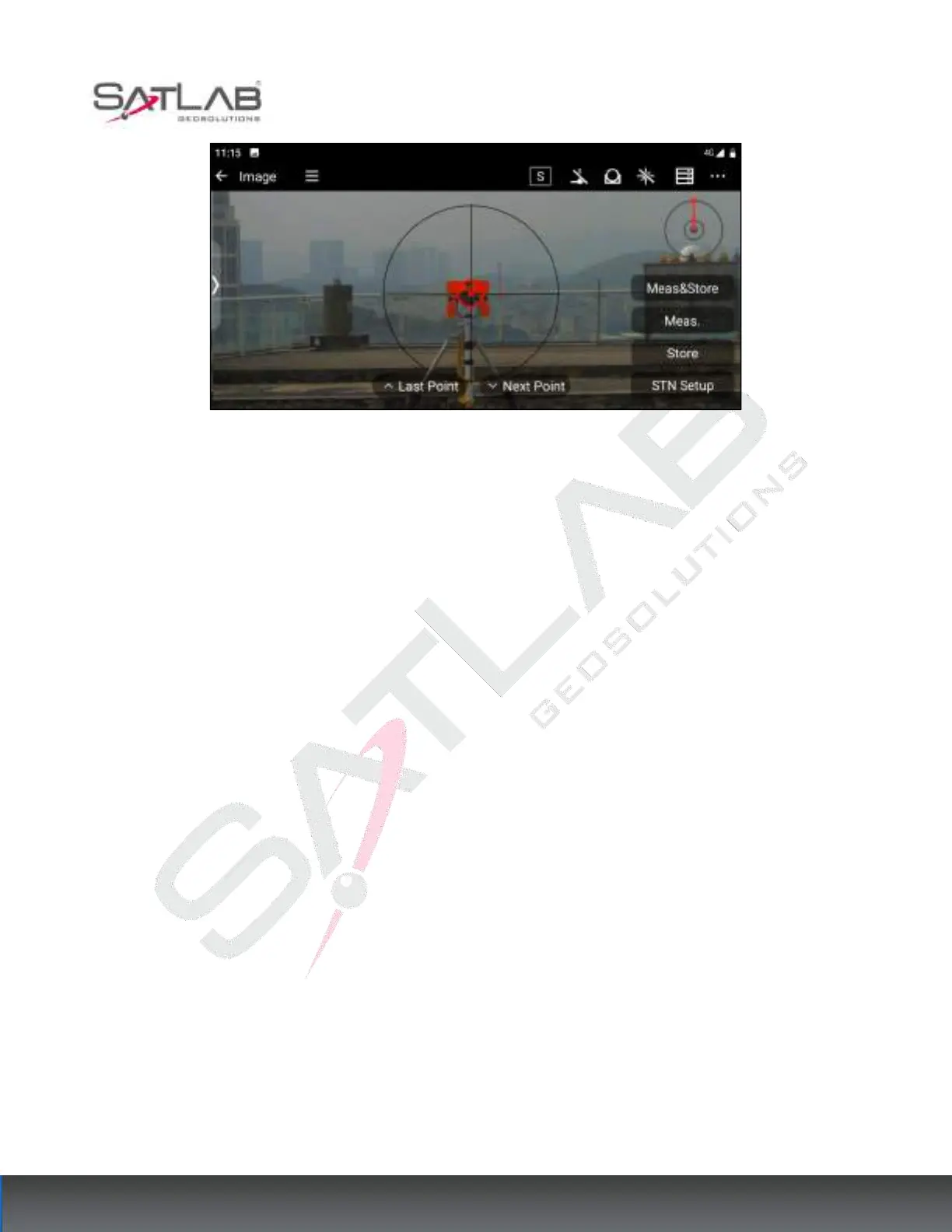
Figure 8- 16
[Meas&store]: While measuring prism points, save prism point information to the total station point library.
[Meas.]: Measure the coordinates of the prism point.
[Store]: When the coordinates of the prism points have been measured, click Store to save the prism point
information to the total station point database.
[STN Setup]: Jump to the station Backsight screen to reset the station.
[Last point] / [Next point]: Switch to select the stakeout point in the stakeout point library.
8.4
Angle&Dist.
Angle distance stakeout can be set by entering the horizontal angle, Angle flat distance, and elevation difference
from the stakeout point to the survey site.
Click [Angle Distance Stakeout] to enter the Angle distance setting interface, and set the horizontal angle, Angle
distance, and elevation difference from the stakeout point to the survey site.



 To Next Page