SLT12 User Manual
76
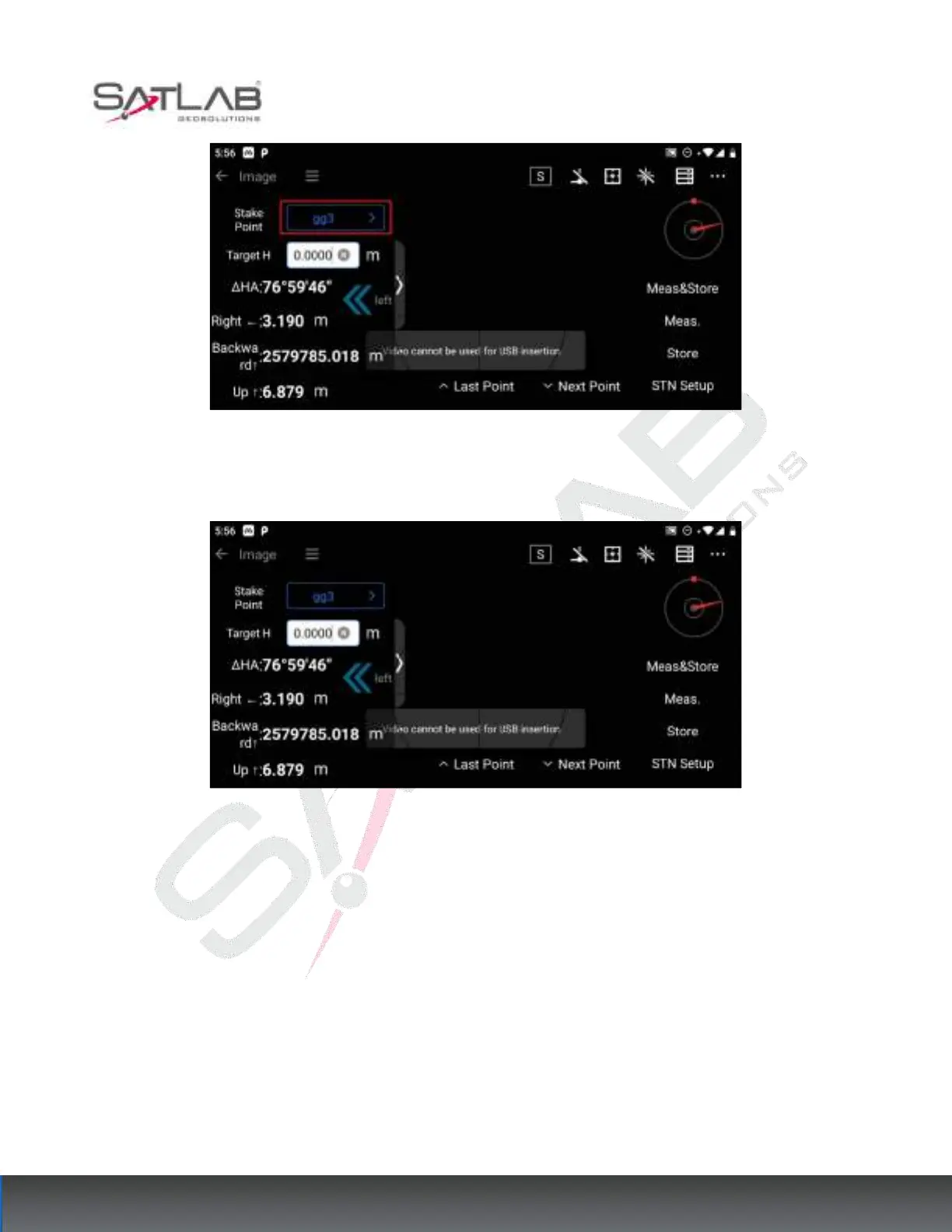
Figure 8- 14
2. After selecting the stakeout point, the graphical interface shows the hints to the left/right and up/down; the
side slider also shows the stakeout distance hints.
Figure 8- 15
3. According to the instructions to turn the eyepiece, when the target point is in the visual range, you can see a
red mark on the target point. It is convenient to take a picture and put the sample.



 To Next Page