SLT12 User Manual
75
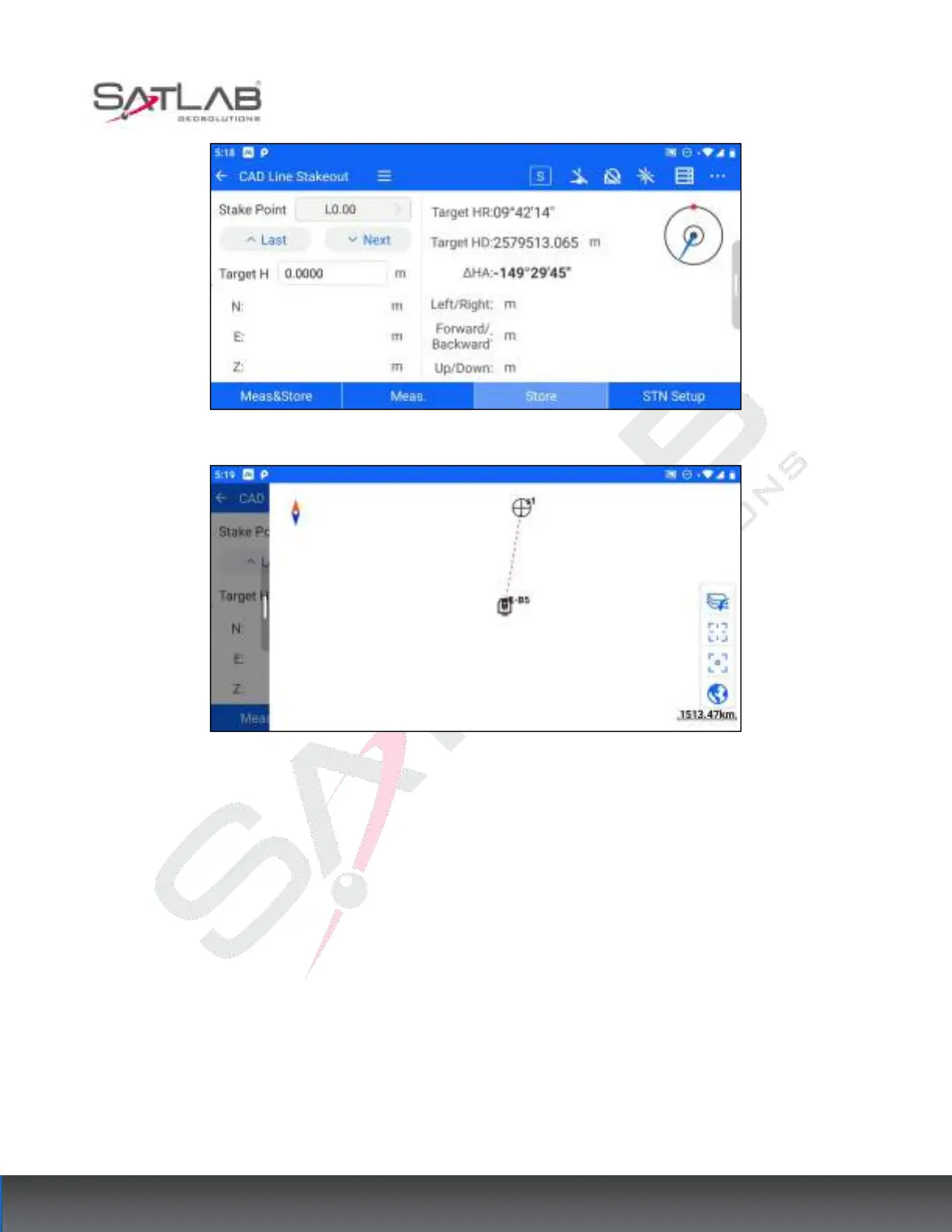
Figure 8- 12
Figure 8- 13
8.3
Image
The total station is equipped with an image function, which will display the camera view on the screen. When
the stakeout point is set, it will mark the location of the stakeout point on the interface and perform the stakeout
prompt to the left/right and up/down. So that it is easier to find the point to be stakeout.
The module can be accessed through [Stakeout Program] - [Image Assisted Stakeout]. It should be noted that
image-assisted stakeout is only supported on the total station. Other Android devices do not show this option.
The operation steps are as follows.
1. Enter [Image Aided Stakeout], open the left slide bar, and click Set Stakeout Point. Same as other setting
stakeout points, you can select the stakeout points by manual input, point name search, list selection, etc.



 To Next Page