SLT12 User Manual
74
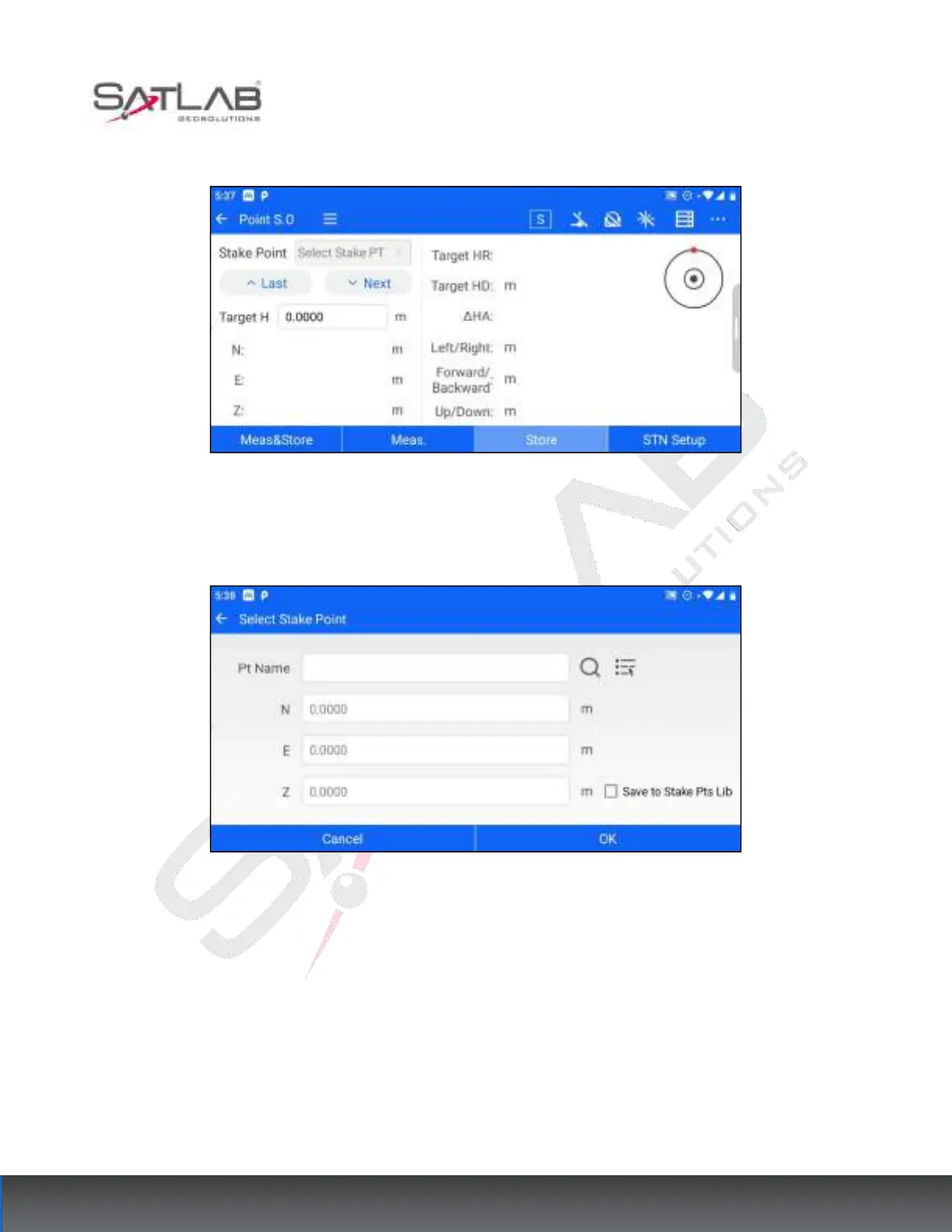
the target points to be stakeout by manual input or list selection of points.
Figure 8- 10
2. After selecting the stakeout point, click OK, return to the stakeout interface, and click the previous point and
next point buttons to switch the point data in the stakeout point library for stakeout.
Figure 8- 11
3. The total station aim at the prism, click on the meas&store/meas.- Store to calculate the stakeout information,
and refer to the stakeout information tips to find the stakeout position.



 To Next Page