SLT12 User Manual
40
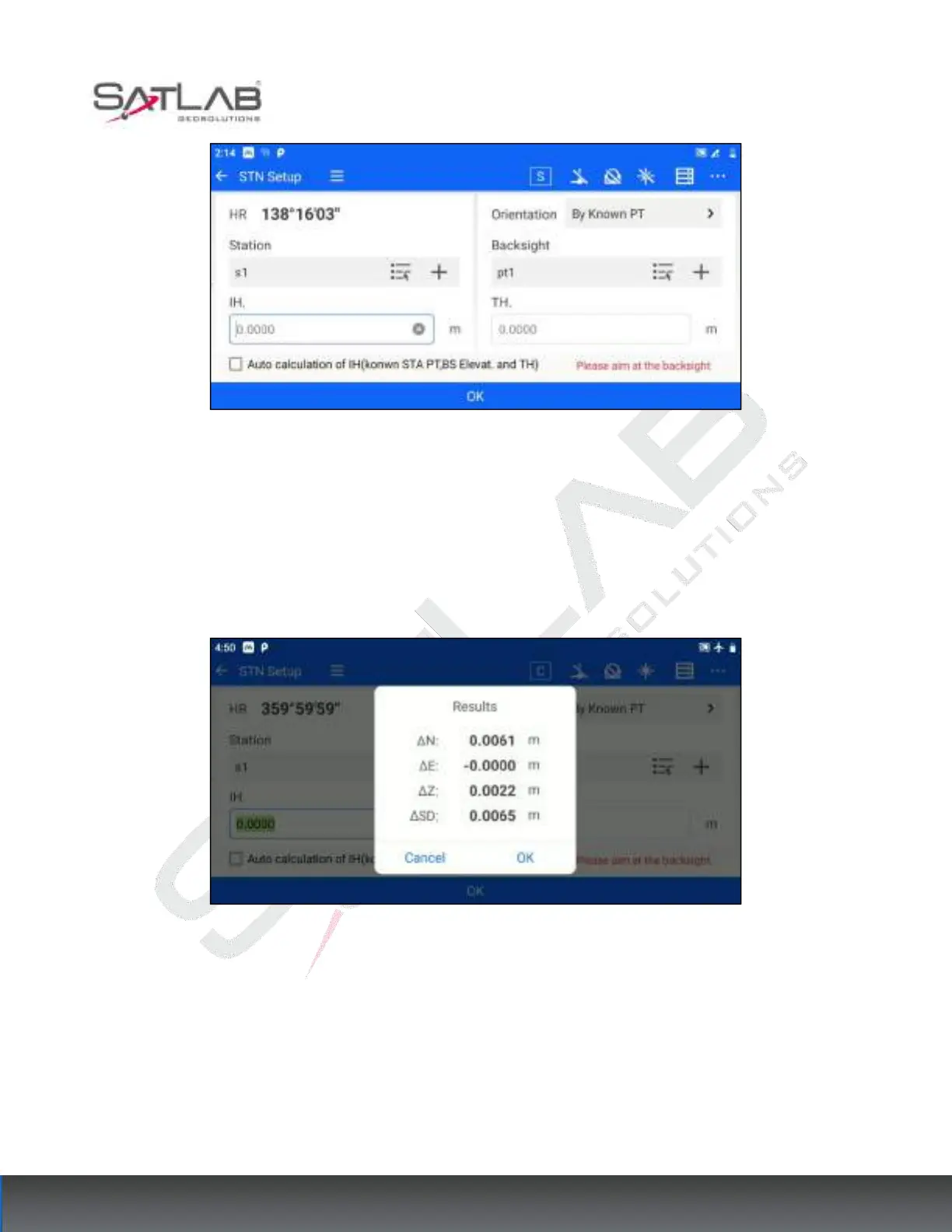
Figure 6- 5
1. Set the coordinates of the survey site, the coordinates of the backsight point, the instrument height, and the
target height. Coordinates can be set by "list point selection" or "input".
2. Click "OK" to align the Backsight point. At this time, the measurement difference check box will pop up. If
the user judges that the difference value is within the acceptable range, click "OK", that is to complete the station
hindsight; if the difference value exceeds the limit, click "Cancel", so you can re-direct the coordinates.
Figure 6- 6
"Automatic calculation of instrument height": when the survey site, hindsight elevation, and target height are
known, you can check "Automatic calculation of instrument height", the software will automatically calculate
the instrument height based on the known information.
6.1.2 Azimuthal Orientation
Azimuth orientation applies to the case where the coordinates and azimuth of the survey site are known. The
operation steps are as follows.



 To Next Page