SLT12 User Manual
73
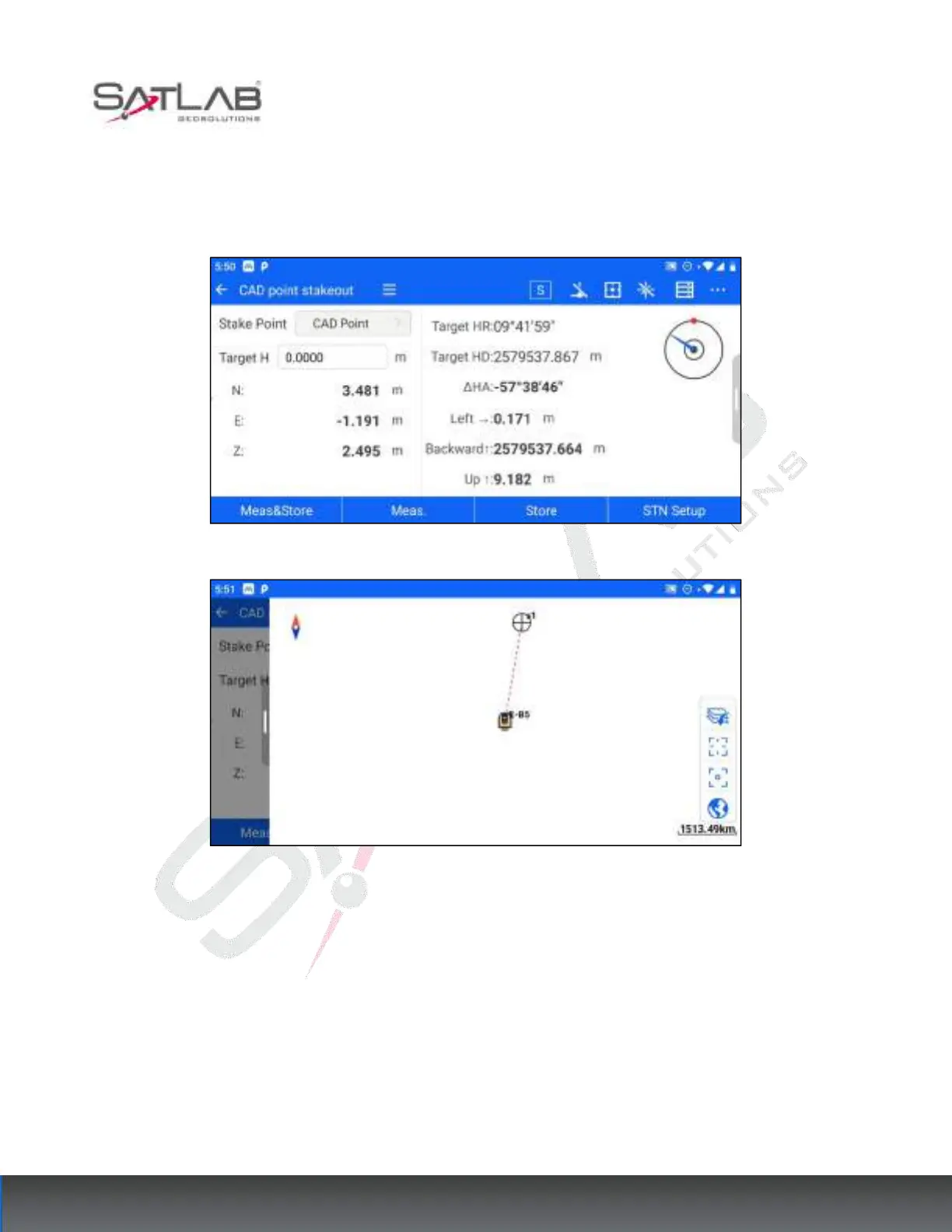
3. Pick up the stakeout point successfully, and jump to the stakeout interface to start the stakeout.
4. The total station aim at the prism, and then clicks the meas&store/meas.- Store to calculate the stakeout
information, according to which the prism can be moved to the position to be stakeout.
Figure 8- 8
Figure 8- 9
8.2
Point S.O
The coordinates stakeout can be selected by the point library or manually entered to select a certain stakeout
point for the stakeout operation.
The operation steps are as follows.
1. Enter [Point S.O], and click "Select Stake PT " to jump to the interface of "Select Stake Point", you can select



 To Next Page