SLT12 User Manual
23
4.1
Software Introduction
ST-Surv is a total station software developed by Satlab. In addition to the basic station setting and surveying
functions, it also supports a variety of stakeout programs, including CAD stakeout and Image-Assisted stakeout.
The software also supports road, bridge, and tunnel-related design and stakeout operations.
4.2 Software Installation
ST-Surv should be run on Android 9 or above operating system. It can run on Android devices such as Satlab
professional Android total station, professional survey handbook, and ordinary cell phones. It can be installed by
copying the ST-Surv apk(Android Package) to the Android terminal device or using a third-party software for
installation via the computer.
4.3 Quick Start
The following is only a quick start program, please refer to the detailed instructions in each chapter for detailed
usage steps. This program is only a solution that we provide to you, and you may not follow this program after
you have become proficient in using the software. During the operation, the usual program is:
4.3.1 Initial Settings
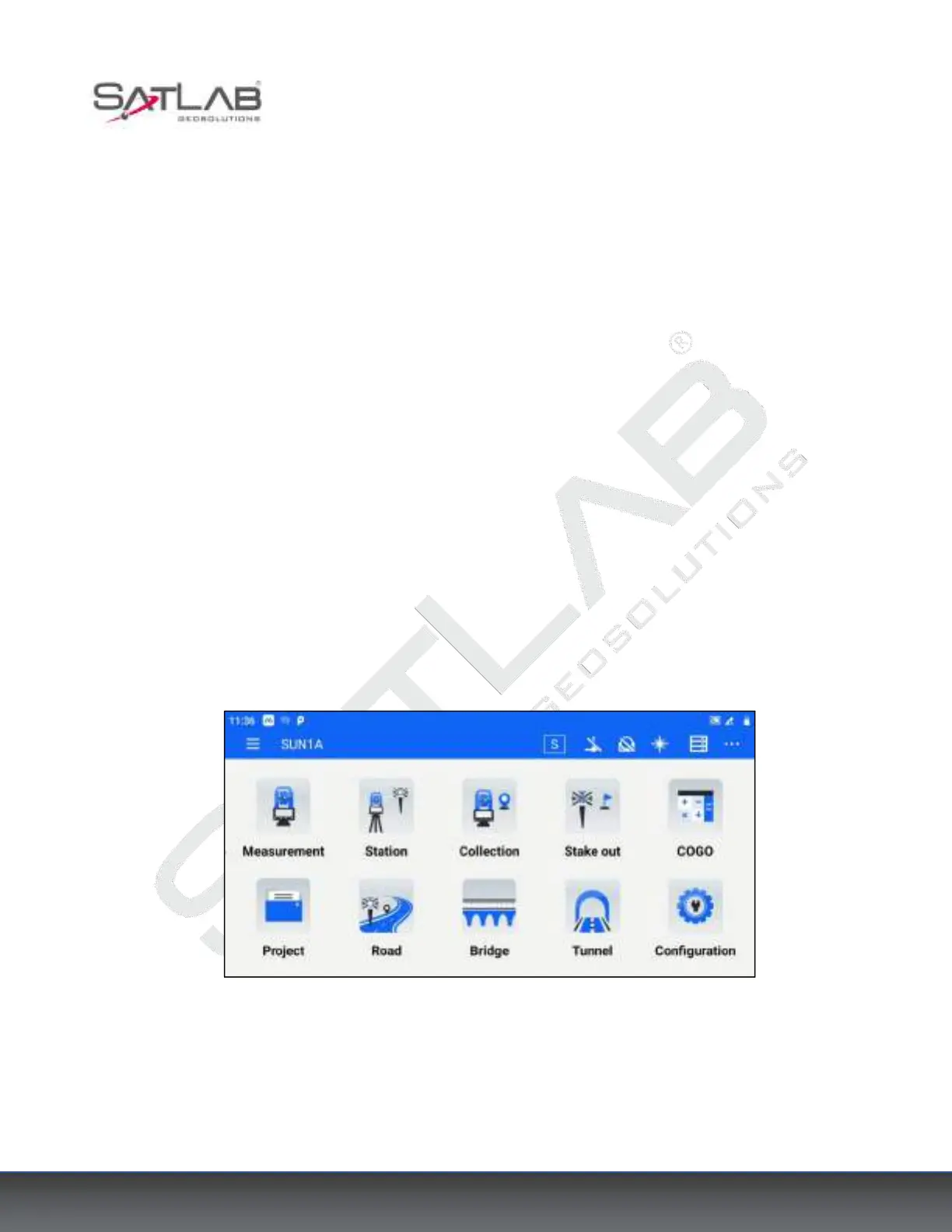
Open ST-Surv, the main interface of the software is as follows.
Figure 4- 1
a. Set up the tilt correction of horizontal and vertical angles
Our series total station can correct the error of the vertical angle reading caused by a tilt in the direction of the
X-axis and Y-axis. The compensation mode includes XY dual-axis compensation, X single-axis compensation,
and close compensation.



 To Next Page