SLT12 User Manual
63
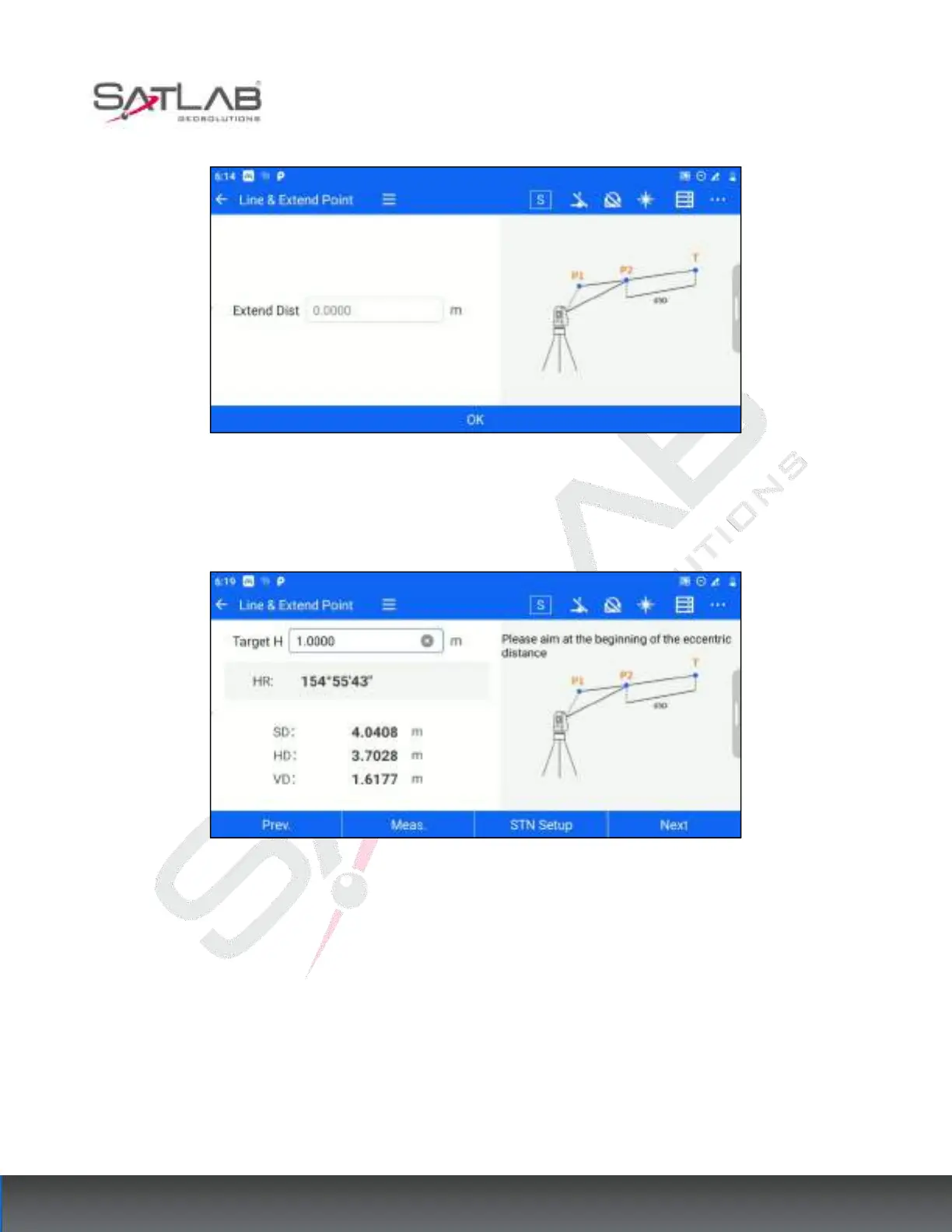
1. Users enter [Line&Extend Point], enter the extension distance, and click [OK].
Figure 7- 21
2. Enter the target height, aim at the starting point, click [Meas.], get the angle and distance measurement data,
and click [Next].
Figure 7- 22
3. The software displays the calculated coordinates of the target point, click on the distance to reset the distance
value, and the coordinates of the extension point can be calculated.



 To Next Page