SLT12 User Manual
71
Figure 8- 7
Figure 8- 7
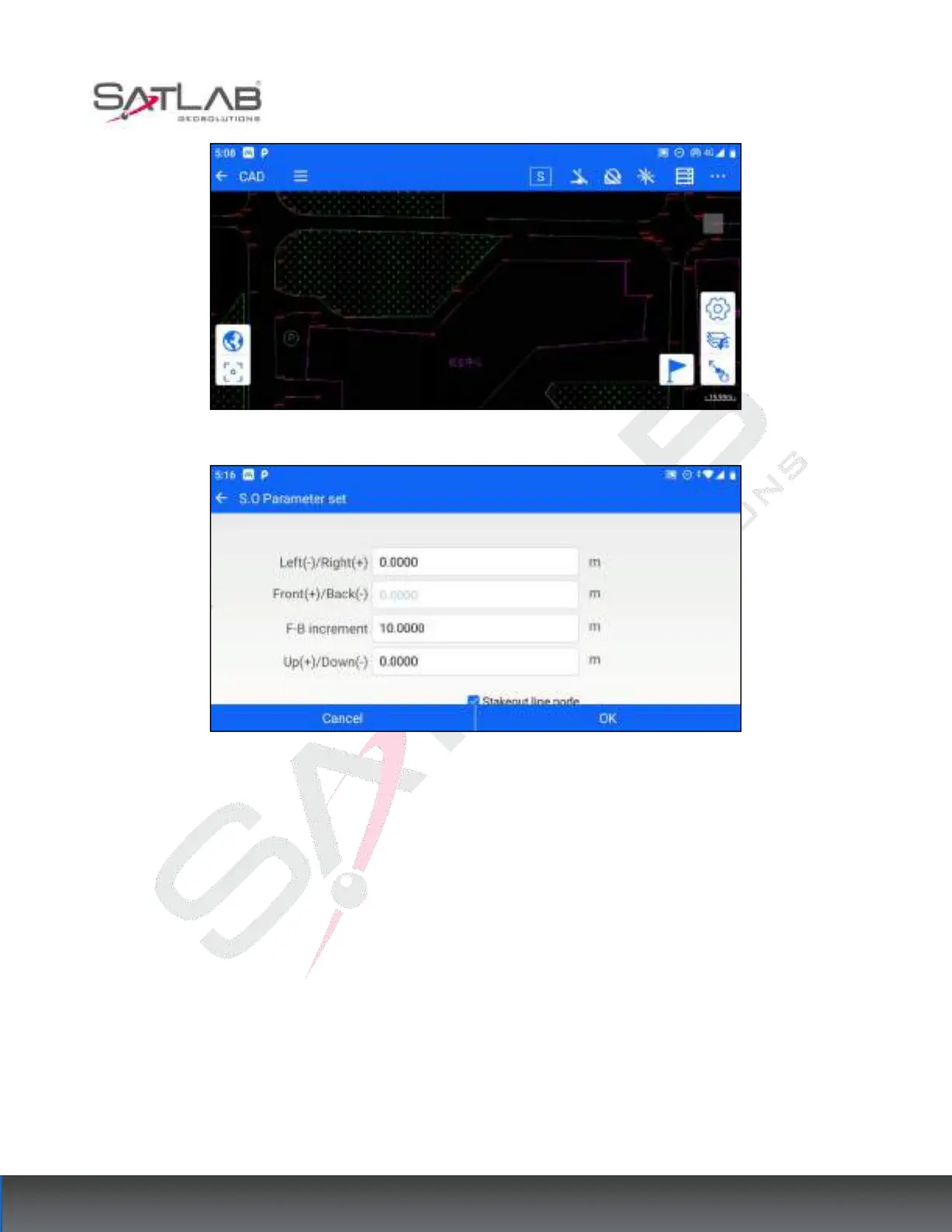
The default checkbox of "stakeout line node" in the setting interface of stakeout parameters means that the
stakeout target can also be switched to the node of the stakeout line when it is switched by the increment of front
and rear offset; if the checkbox of stakeout line node is unchecked, the stakeout point will only be switched by
the integer multiple of the increment of front and rear offset and will not be switched to the node of the stakeout
line.
Click OK to enter the stakeout interface, click the last point and next point button to switch the target points by
front and back offset increments, click the measurement and storage/measurement- Store to calculate the
stakeout information, and expand the graphic interface on the right to display the position relationship between
the current position, prism points, and stakeout points.



 To Next Page