SLT12 User Manual
114
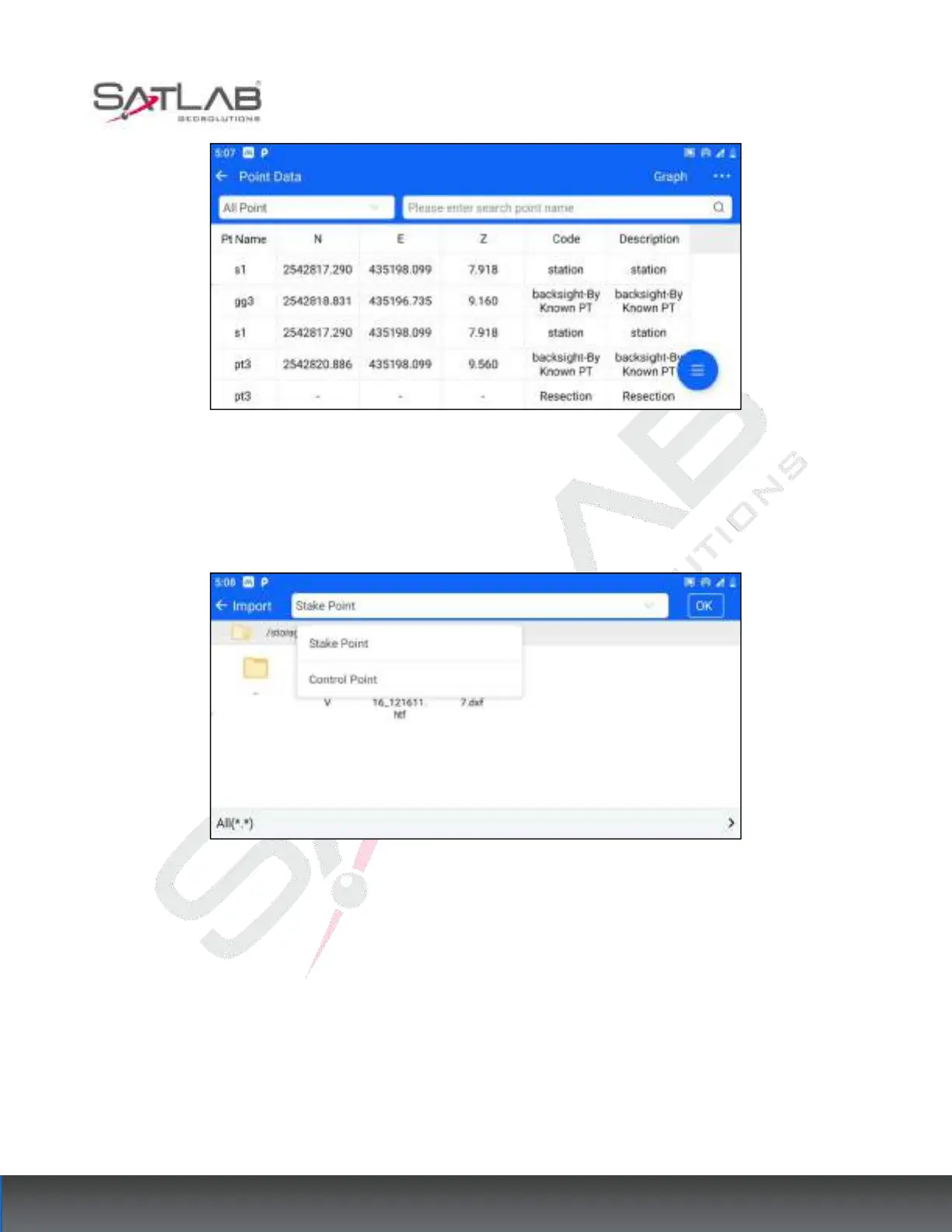
Figure 10- 9
Click the hover button at the bottom right corner - "Import", you can import the sample/control points. Select the
type of points you want to import (stakeout points/control points) in the top bar, and then select the file to import.
The detailed import operation is shown in the section "Stakeout Point".
Figure 10- 10
Click the "Export" hover button at the bottom right corner to export the measurement points/plotting
points/control points. Select the type of points to be exported (measurement points/stakeout points/control points)
in the top bar, and then select the export format. The specific export operation steps and supported formats can
be found in the [Measurement Points], [stakeout Point], and [Control Points] sections.



 To Next Page