SLT12 User Manual
118
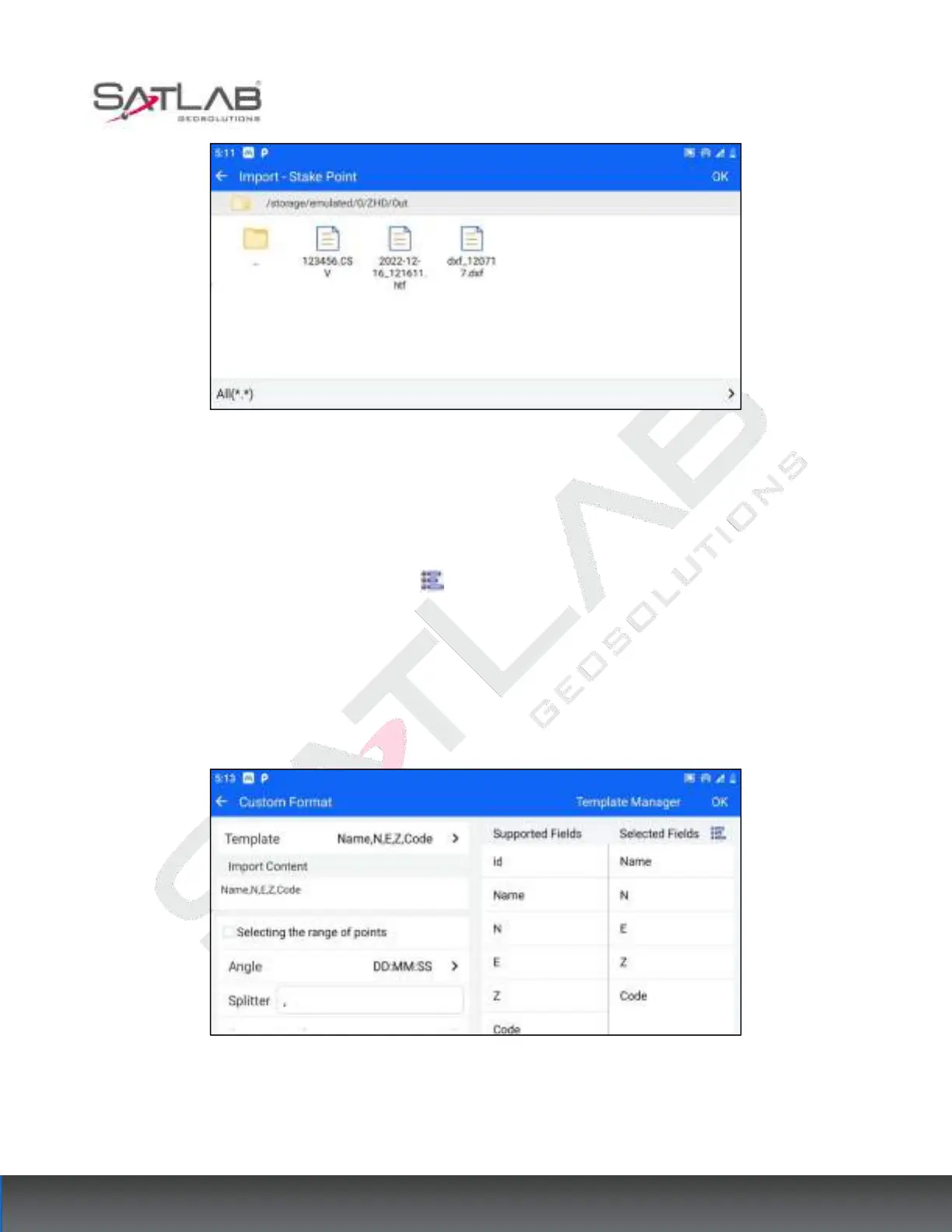
Figure 10- 17
2. Enter the custom format setting interface, make the following settings, and click "OK" to complete the data
import.
①
Select the fields to be imported in the "Selectable Fields" list, the selected fields will be automatically
populated in the "Selected Fields" list, click the button to select/unselect all fields. The "Imported Content"
section displays the header section of the imported fields in order.
②Click the "Template" button to display three common templates by default (Name, Ground code, NEZ; Name,
NEZ, Ground code; Name, NEZ).
③You can set the angle format, separator, and whether to include the format file header, etc.
Figure 10- 18
[Export]:
1. Click the hover button-[Export] to enter the export interface of stakeout points. The available export formats



 To Next Page