SLT12 User Manual
121
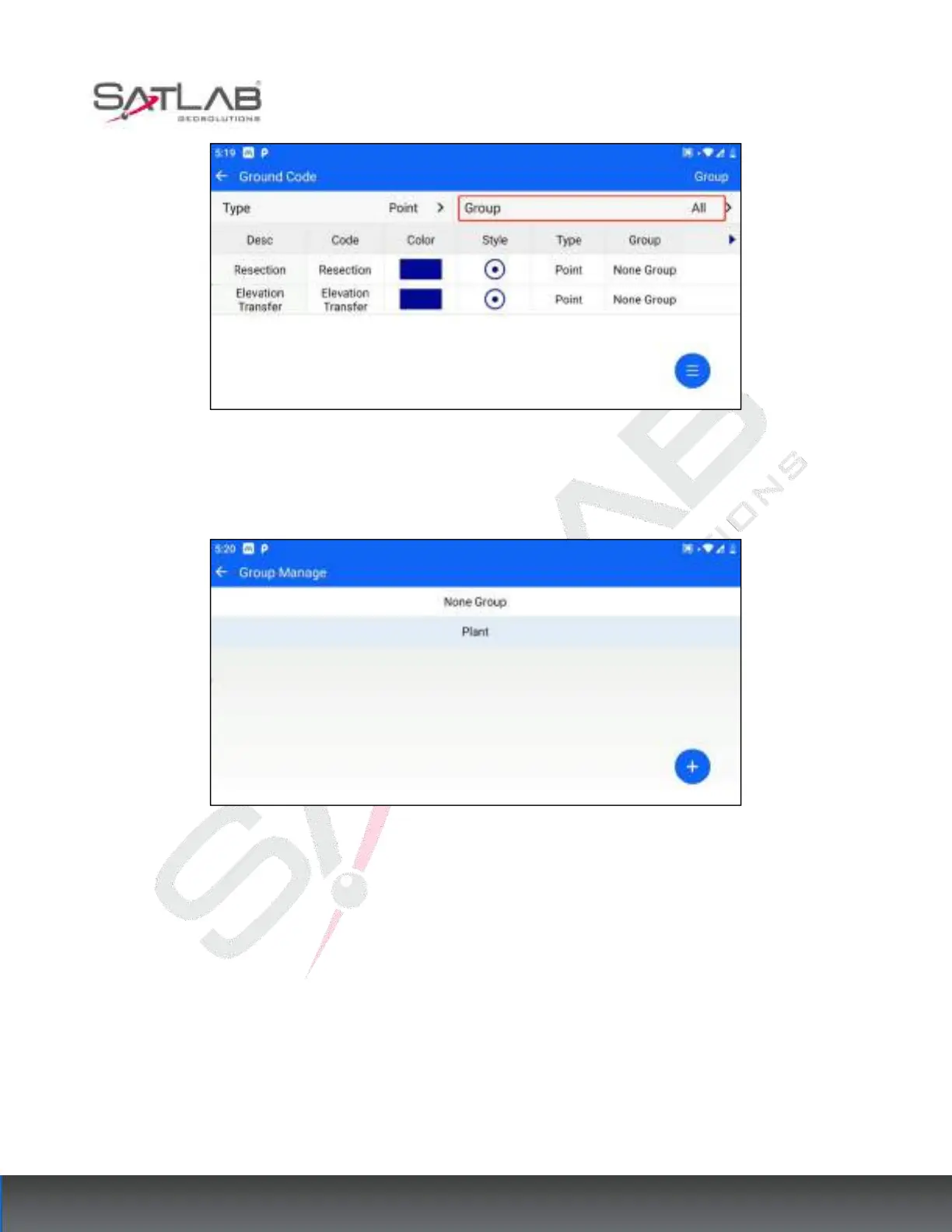
Figure 10- 21
"Group editing": click "Group" in the upper right corner to enter group editing. You can "add", "delete", "edit"
and other operations to the group. No group can be deleted or edited.
Figure 10- 22
[Add]: Click the Add Hover button at the bottom right corner and enter the group name.
[Delete] / [Edit]: Click a group data, that is, the pop-up entrance.
"Ground code editing": click a Ground code data, click [Edit], and you can edit the Ground code, grouping, and
style.



 To Next Page