SLT12 User Manual
150
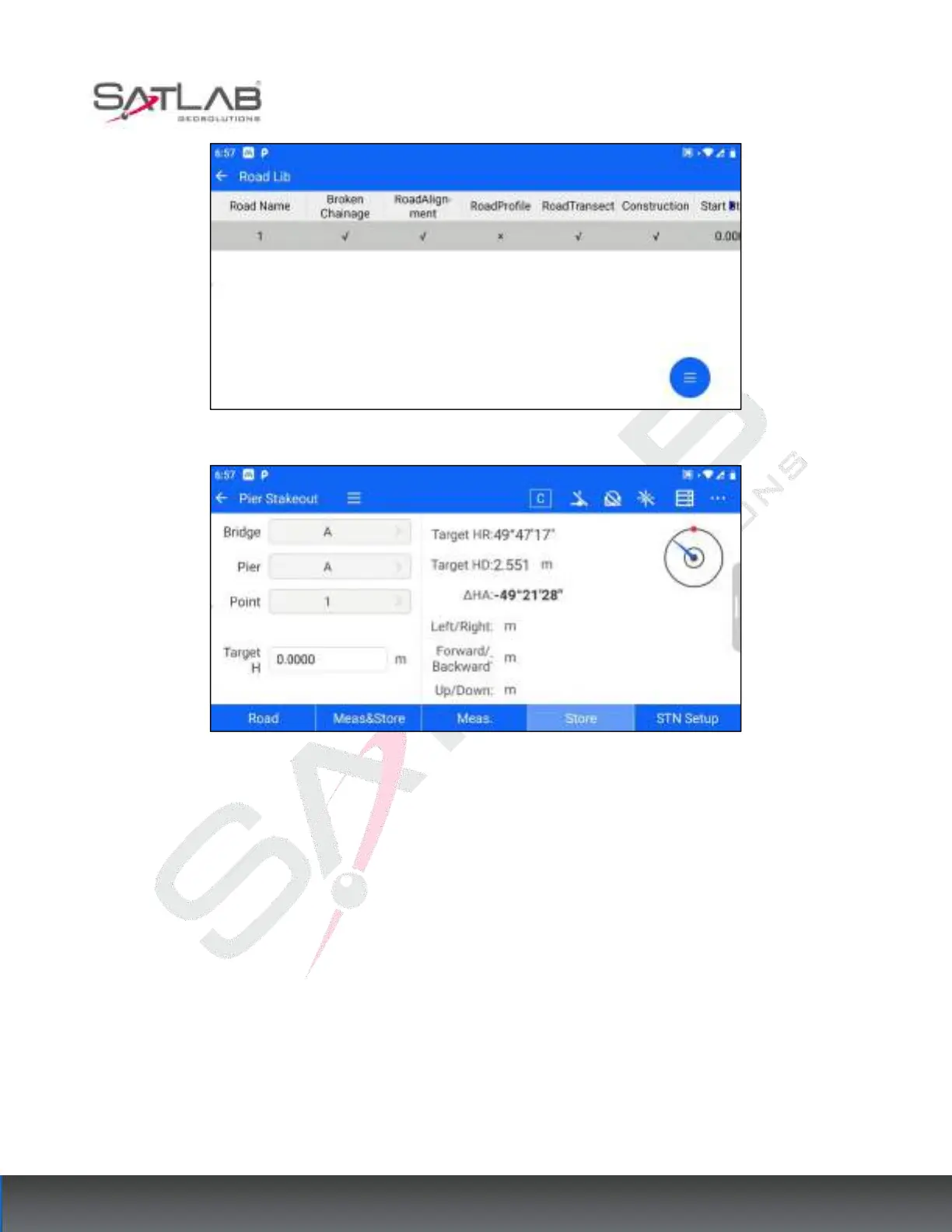
Figure 12- 16
Figure 12- 17
2. Feature point selection: After selecting the road data, click the bridge column, pier column, and feature point
column, respectively, to select the current road data need to put the bridge, pier, and its feature points.
After selecting a road, the first feature point of the first pier of the first bridge of that road will be selected by
default.



 To Next Page