SLT12 User Manual
153
Figure 12- 22
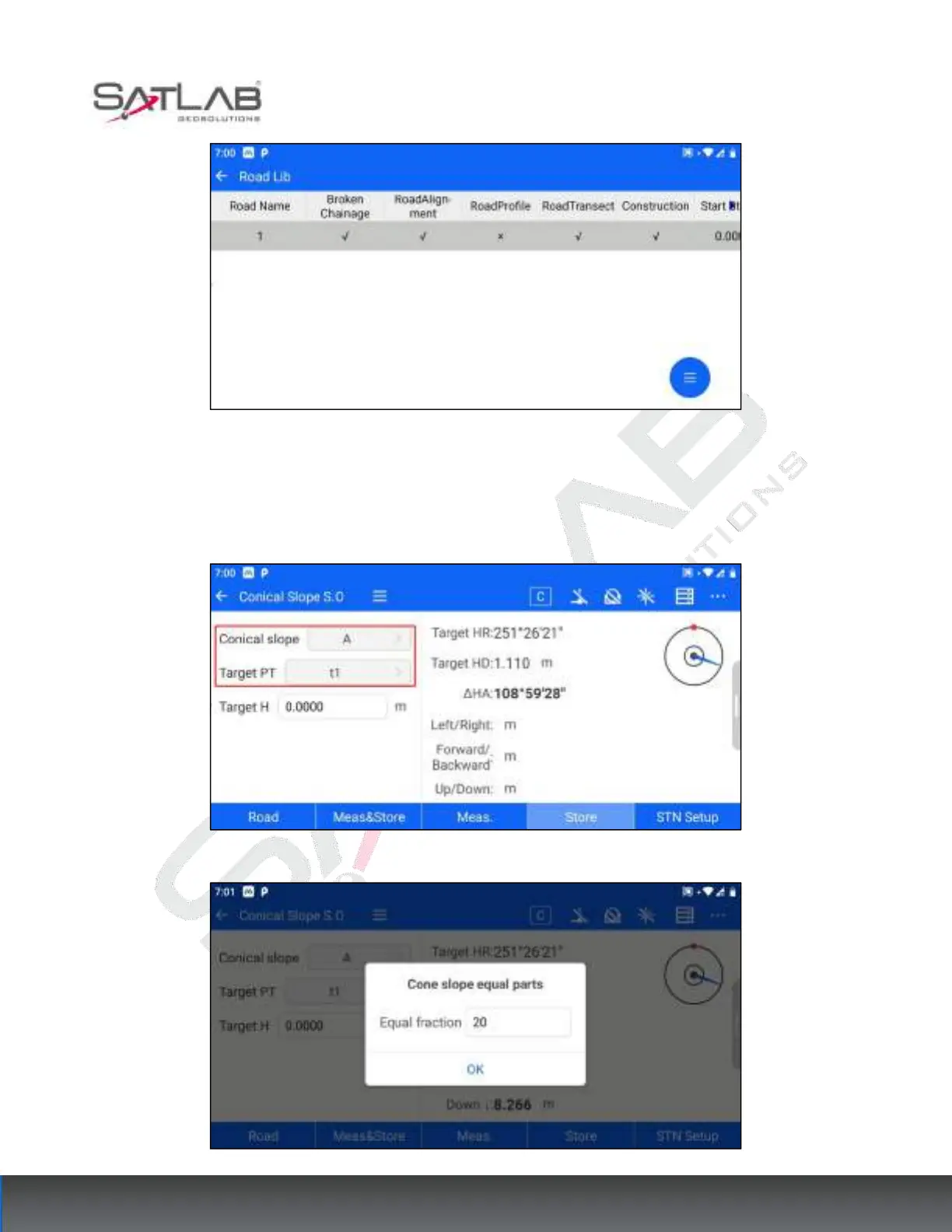
2. Target point selection: After selecting the road data, click on the cone slope column to select the cone slope of
the current road data that needs to be stakeout. The software will pop up the number of equal fraction settings,
and after the setting is completed, the target point column will display the corresponding number of target points
according to the number of equal fractions.
Figure 12- 23
Figure 12- 24



 To Next Page