SLT12 User Manual
180
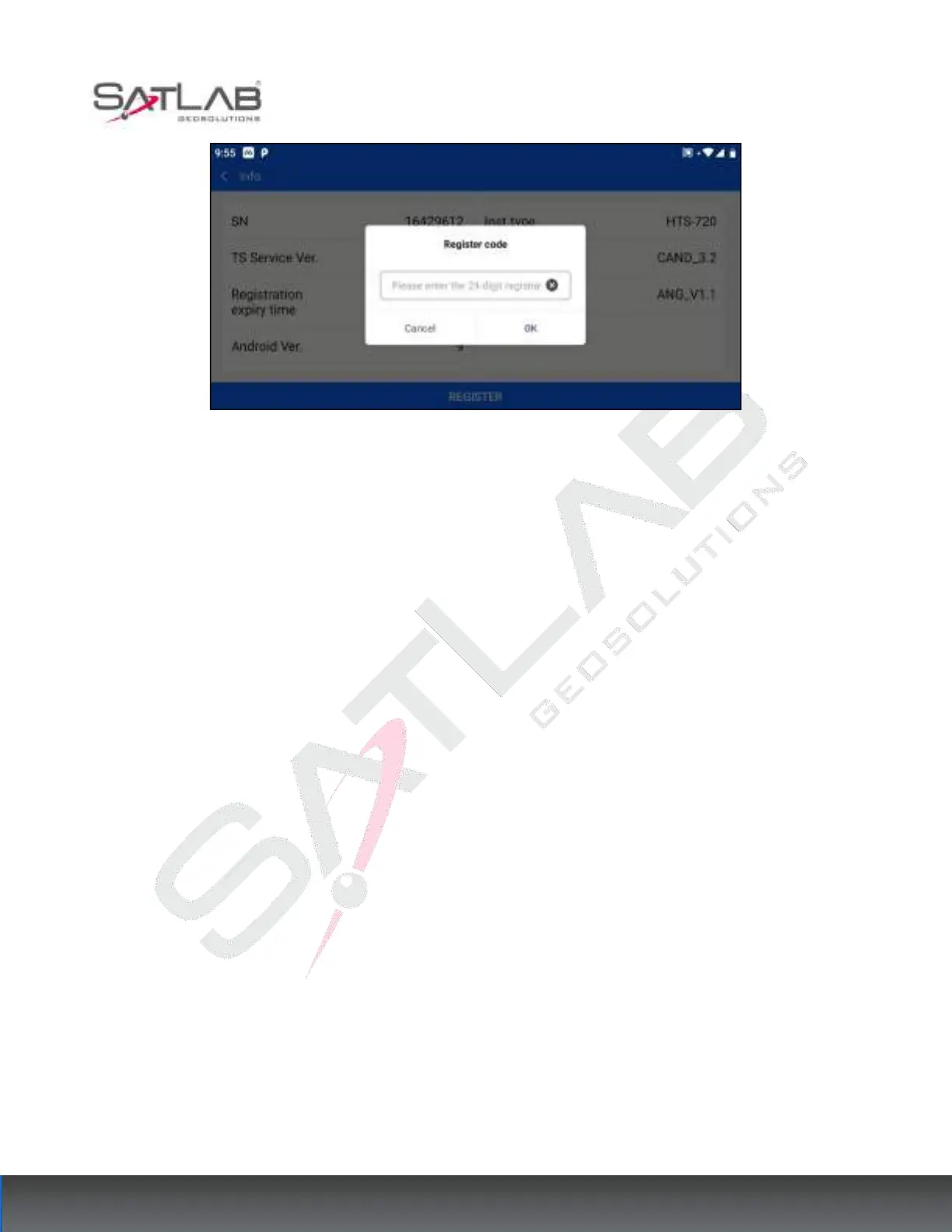
Figure 14- 25
When installed on other Android devices, the total station information can be used to connect to the device in
"demo mode" and "Wifi".
"Demo mode": Use demo mode to connect the total station and the software displays simulated range and angle
information. It can be used for demonstration.
"Wifi connection": the total station needs to open the hotspot first, after the Android device connects to the total
station hotspot, select the connection method as "Wifi", and follow the guide to complete the total station
connection. After the connection is completed, the basic information of the connected total station will be
displayed.



 To Next Page