SLT12 User Manual
196
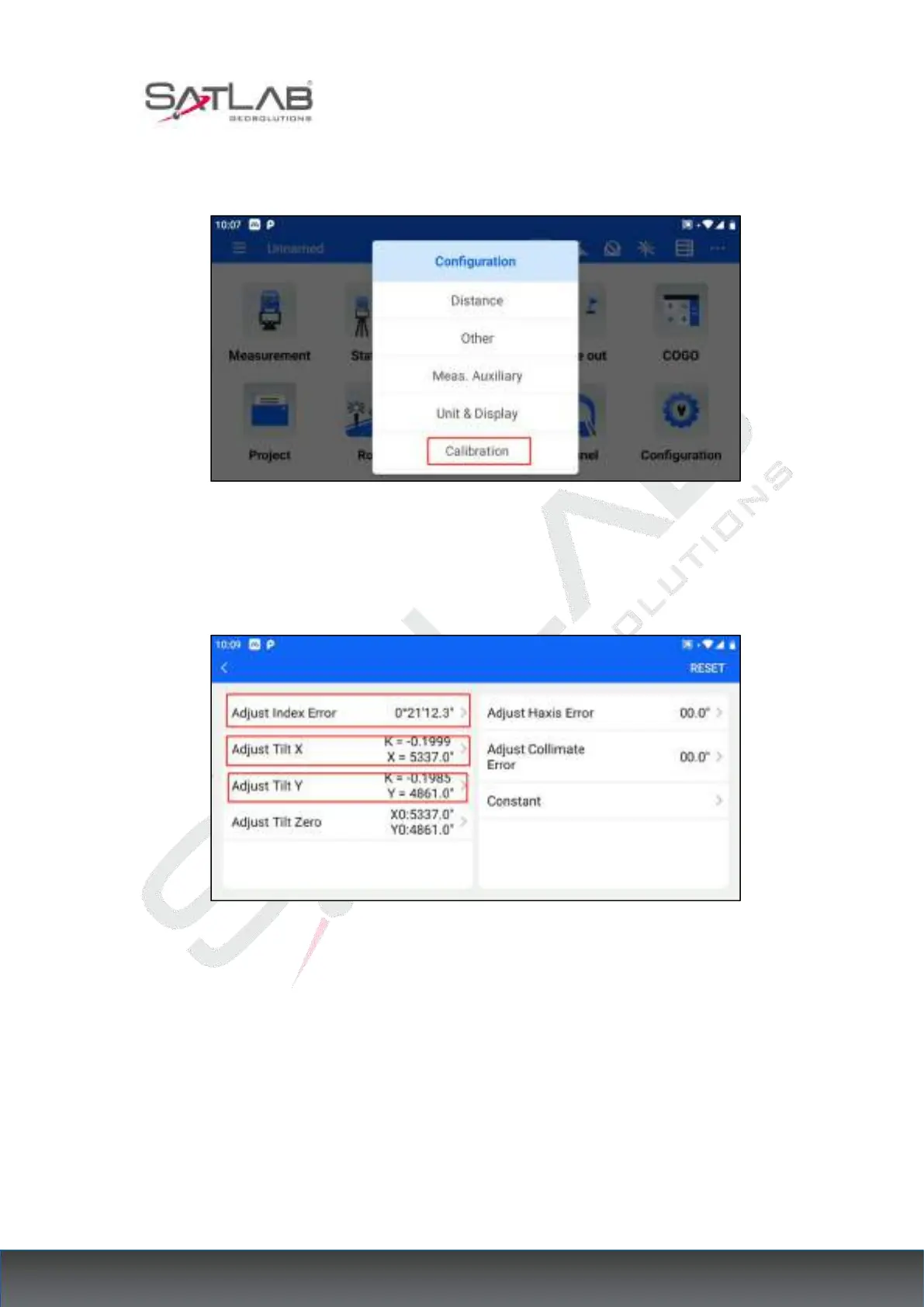
(1) Install the total station to the calibration table, level it, click "Calibration", enter the
password (please contact your local dealer to get it), and then enter the calibration interface.
Figure 17- 4
(2) Select the parameter item to be calibrated and enter the corresponding calibration
interface.
Figure 17- 5
(3) Follow the instructions at the bottom of the interface until the calibration is finally
completed.



 To Next Page