SLT12 User Manual
36
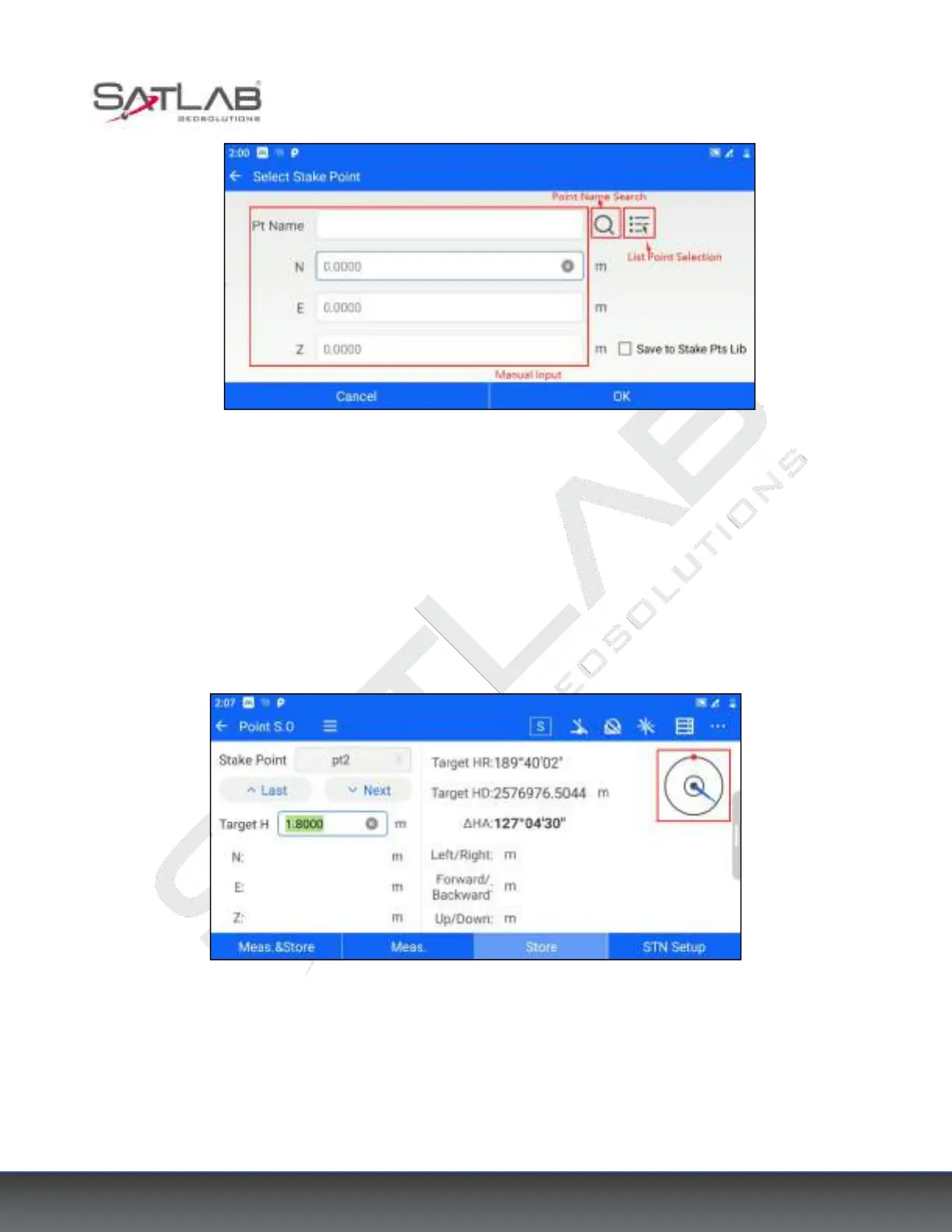
Figure 5- 8
"Point Name Search": Perform a precise search based on the entered point name.
"List Point Selection": Jump to the point library and you can select points from each point library.
[Save to Stake Pts Lib]: If checked, the currently set stakeout points will be saved to the stakeout point library.
In the upper right corner of the stakeout interface, the orientation of the stakeout point is shown as a radar map.
The red dot is the direction of the stakeout point, and the arrow points to the aiming direction. Users can judge
the orientation of the stakeout point by the radar map.
Figure 5- 9



 To Next Page