SLT12 User Manual
59
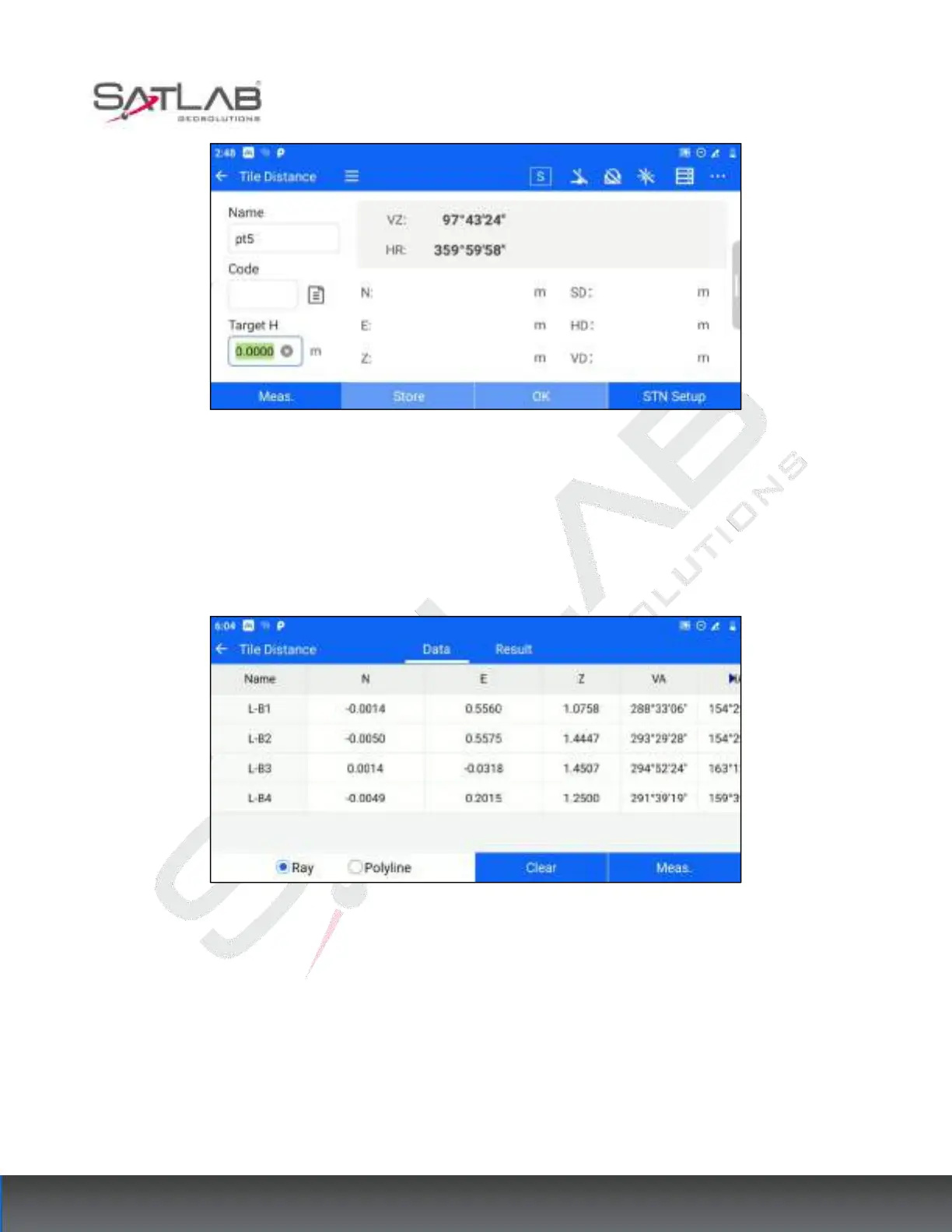
Figure 7- 13
2. Enter the [MLM] data page to display the measurement point data information.
[Meas.]: Enter the measurement interface, you can add points for measurement operation.
[Clear]: Clear all the point information on the current data page.
Figure 7- 14
3. After measuring 2 or more points, you can switch to the [Result] page to view the MLM results. The radio box
at the bottom of the data page can choose the calculation method of "ray to MLM" or "polyline to MLM".



 To Next Page