www.schaerer.com Configuration
PASCA_TOUCHIT_EN
V02 | 07.2013
74
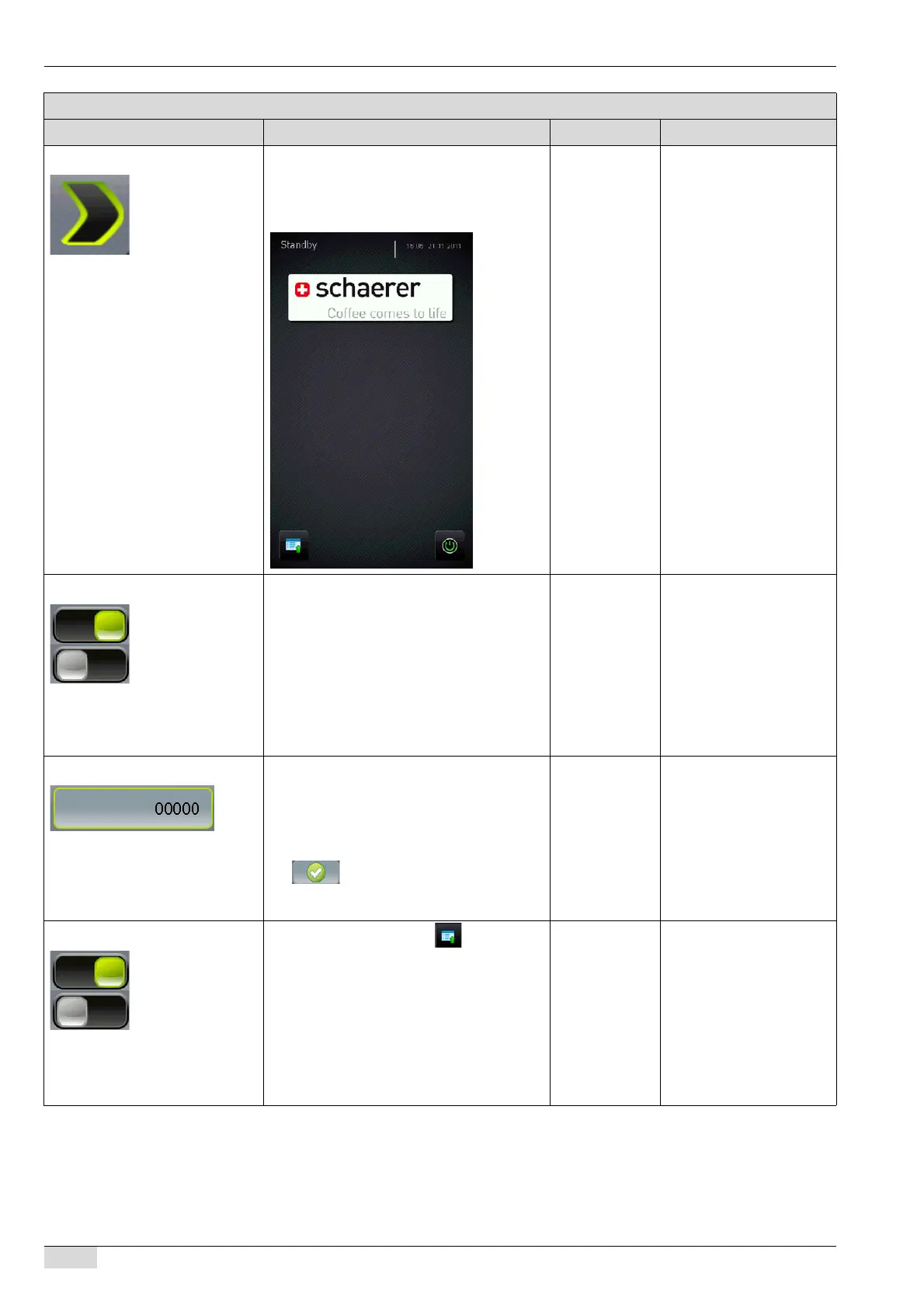
1) Logo Menu for selecting from the images stored
for the logo.
The logo image appears in the standby mode
as shown in the example here.
- To assign the logo from
the directory structure:
See "Service technician
menu" - "System" - "Re-
store / Backup".
To load the logo from the
flash drive:
See "Basic operation"-
"USB port".
2) Slide show active Switches the slide show on or off.
It is possible to display customised images
on the touch screen while a beverage is
being dispensed.
If the slide show is switched on, the stored
images appears alternately while a beverage
is being dispensed.
If the slide show is not switched on, the stan-
dard image appear.
On/off To assign a slide show:
See "Service technician
menu" - "System" - "Re-
store / Backup".
To load a slide show from
a flash drive:
See "Basic operation"-
"USB port".
3) Service PIN PIN entry request for the "Service" menu in
"Self" mode:
► Select the field.
The keypad appears.
► Enter the PIN and confirm using the
field.
A PIN request appears for the "Ser-
vice" menu.
0-99999 -
4) Service Button invisible Shows/hides the [Service] field in "Self"
mode.
If this parameter is switched on, the [Service]
field at the bottom left of the touch screen is
no longer visible but remains active.
To select the invisible [Service] field:
► Press and hold the bottom left corner of
the touch screen for ±2 sec.
The "Service" menu appears.
On/off The [Service] field can only
be hidden in "Self" mode.
Parameters: Self mode settings
Display text Description Setting range Notes














 To Next Page