PASCA_TOUCHIT_EN
V02 | 07.2013
77
www.schaerer.comSystem
2) Safety switches Switches the setting on or off depending on
how the machine is wired.
Wiring before week 24-2007 (serial numbers
0724-XXXXXX):
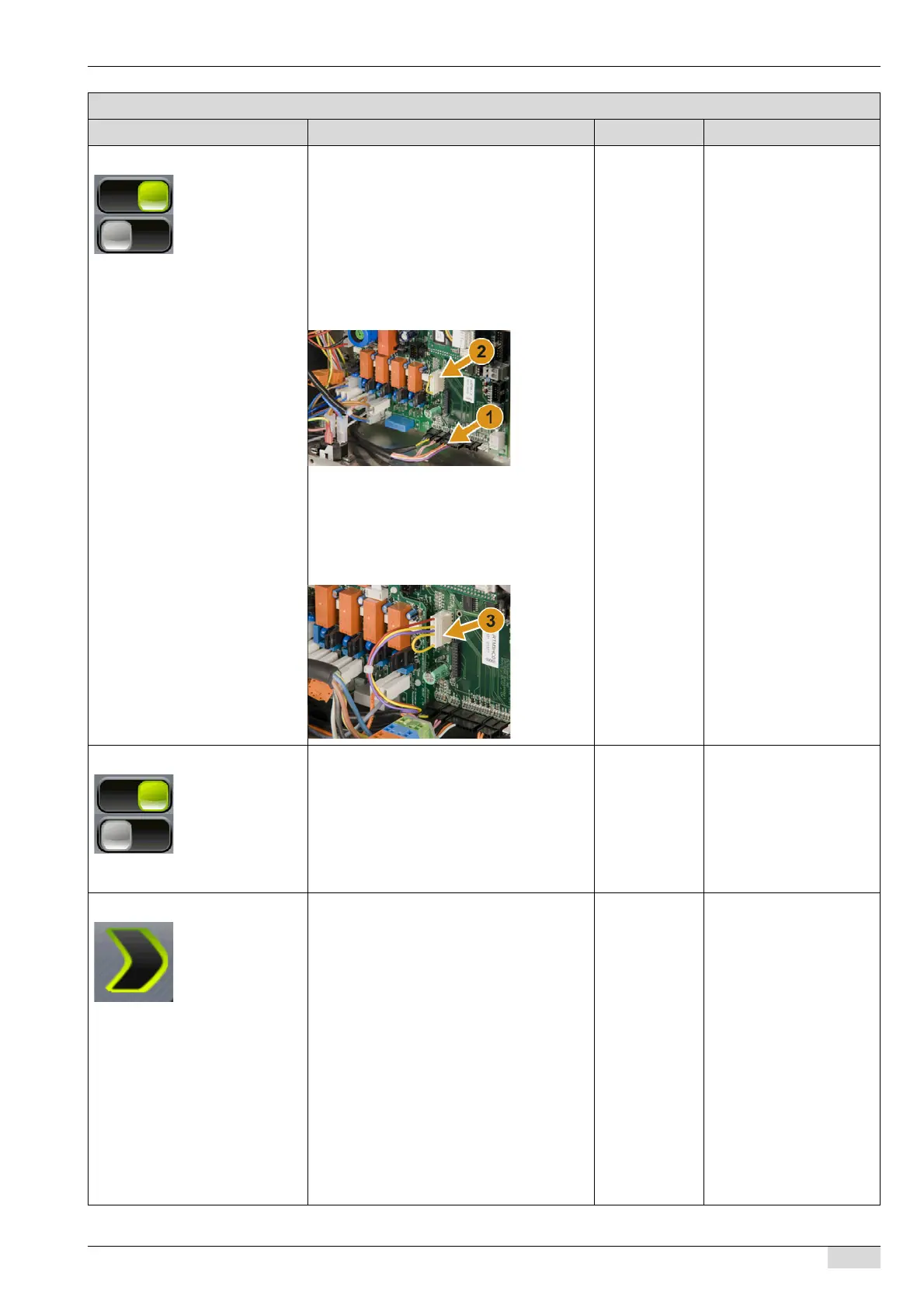
The former wiring (1) can be identified by the
red and purple wires at terminal X9 (grounds
container and lid switch) and by the wire brid-
ge (2).
► Switch the parameter setting off.
Wiring after week 24-2007:
The new wiring (3) can be identified by the
red, yellow and purple wires at terminal X15
(grounds container and lid switch).
► Switch the parameter setting on.
On/off The standard setting is
"ON".
3) Edit system parameters Activates access to the system parameters.
► Switch on the "3 Edit system parameters"
parameter.
The PIN keypad appears.
► Enter the fixed PIN.
The system parameters can now be
adjusted.
On/off
See "Programming" -
"SERVICE card" and "Ac-
cess".
4) Mains connection Selection menu for the mains connection
used with the machine.
► Select the 1 phase 16 A setting.
"Steam system 2000 W" selection.
"Steam system 3000 W" selection.
1 phase 16 A The boilers do not heat si-
multaneously.
► Select the 1 phase 30 A setting.
All steam systems are available.
1 phase 30 A Two boilers can heat si-
multaneously.
► Select the 3 phase 16 A setting.
All steam systems are available.
3 phase 16 A Three boilers can heat si-
multaneously.
See the data under "Elec-
trical Ratings" on the serial
plate.
See the setting in the "4
Mains connection" param-
eter.
Parameters: System parameters
Display text Description Setting range Notes














 To Next Page