38
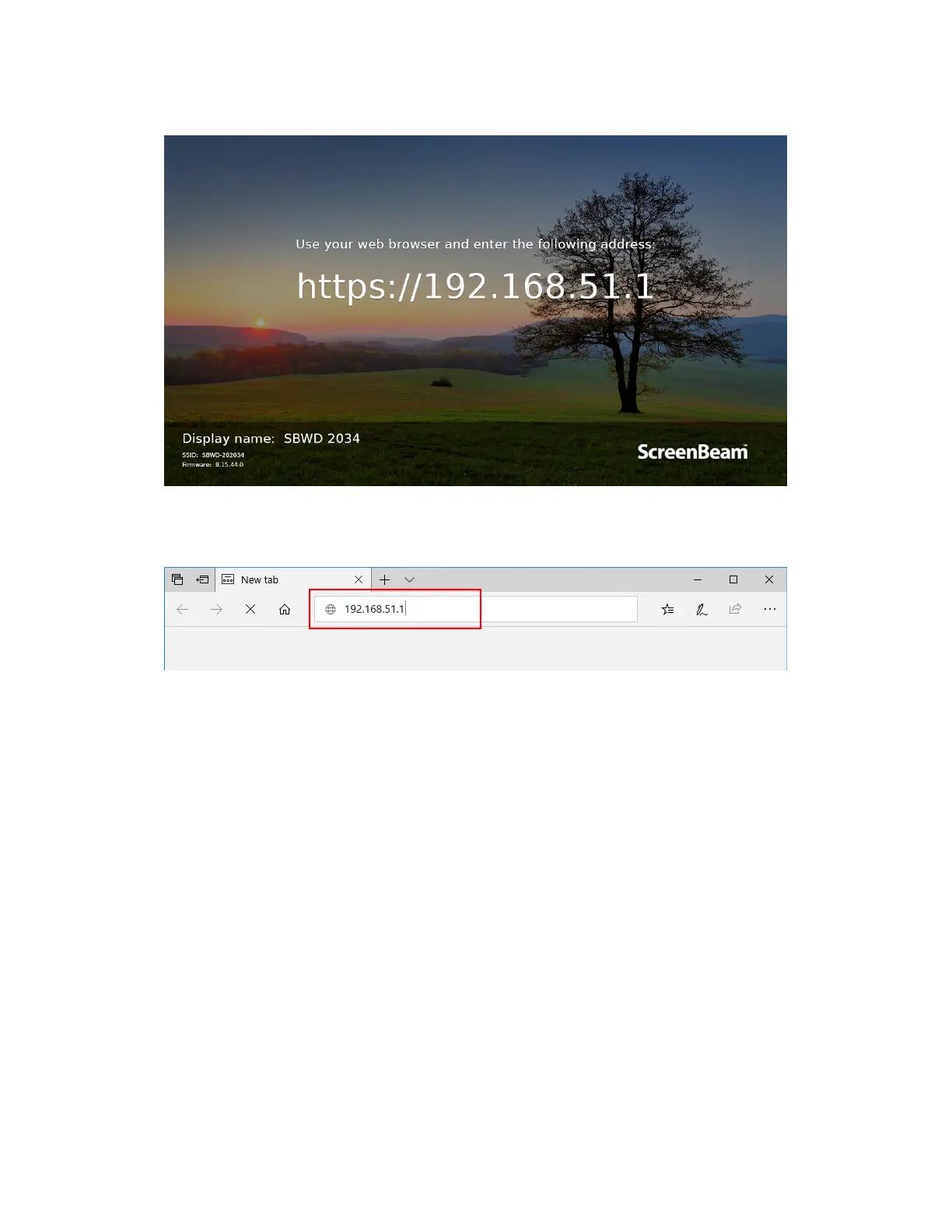
8. A URL (it is “https://192.168.51.1”) is displayed on the connected display.
Note: This link will be displayed in full screen for a few seconds, and then it is displayed in
the lower left corner (if network info display is enabled).
9. Access the URL address ("https://192.168.51.1") with a web browser on the laptop.
10. Follow the directions in Section 5.2.1 Method 1: Wireless P2P Direct Connection (AGO)
from Step 3 on.



 To Next Page