12-35
Troubleshoot a problem
12
❖
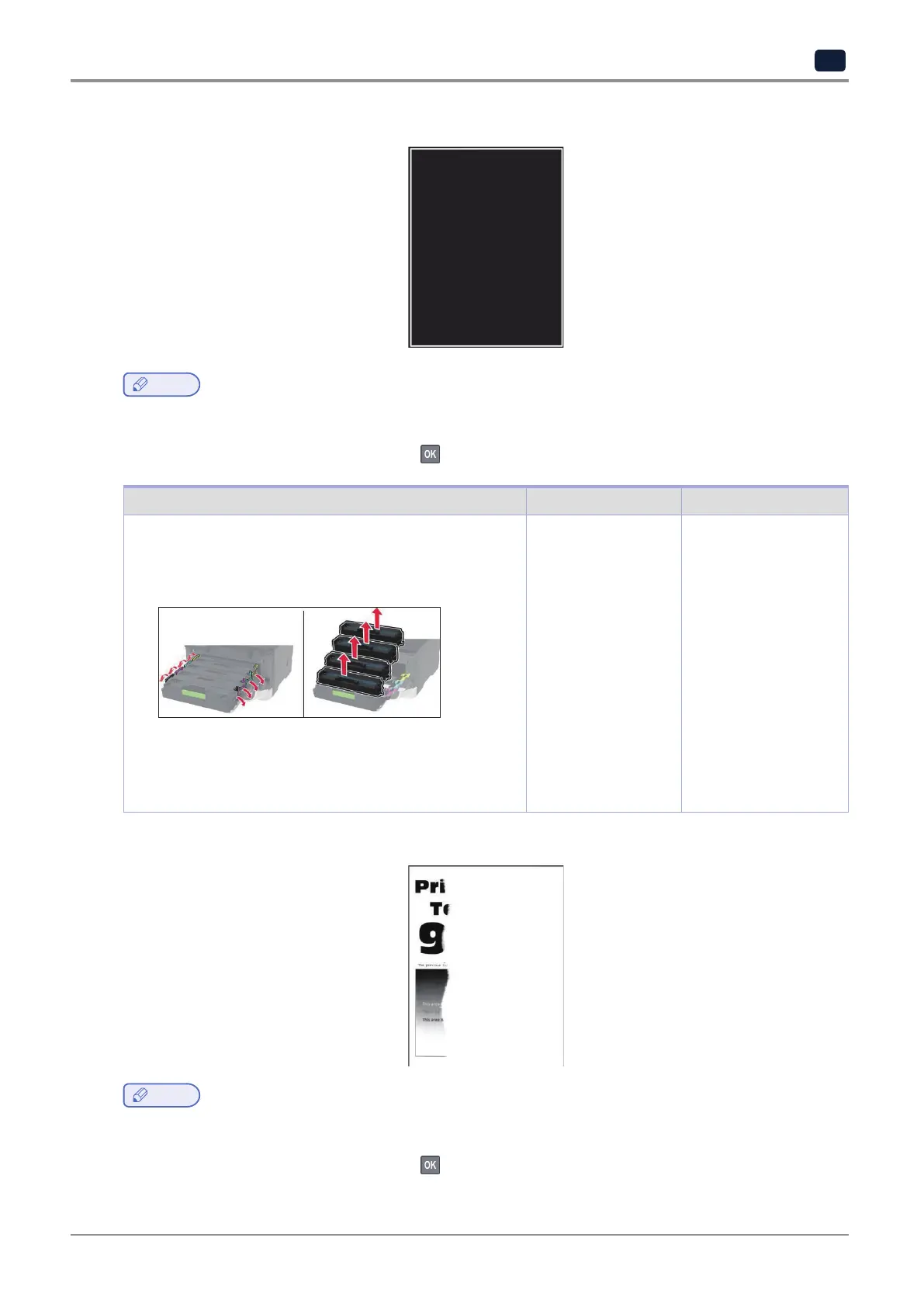
Solid color or black images
Note
-
Beforesolvingtheproblem,printthePrintQualityTestPages.Fromthecontrolpanel,navigateto
Settings
→
Troubleshooting
→
Print Quality Test Pages.
For non-touch-screen printer models, press
to navigate through the settings.
Action Yes No
1)Openthefrontdoor,andthenfirmlypushitdown.
2)Pullouttheprintcartridgetray.
3)Remove,andtheninserttheprintcartridges.
4)Inserttheprintcartridgetray,andthenclosethedoor.
5)Printthedocument.
Is the printer printing solid color or black images?
Contact customer
support.
The problem is
solved.
❖
Text or images cut off
Note
-
Beforesolvingtheproblem,printthePrintQualityTestPages.Fromthecontrolpanel,navigateto
Settings
→
Troubleshooting
→
Print Quality Test Pages.
For non-touch-screen printer models, press
to navigate through the settings.



 To Next Page