3-9
Set up, install, and configure
3
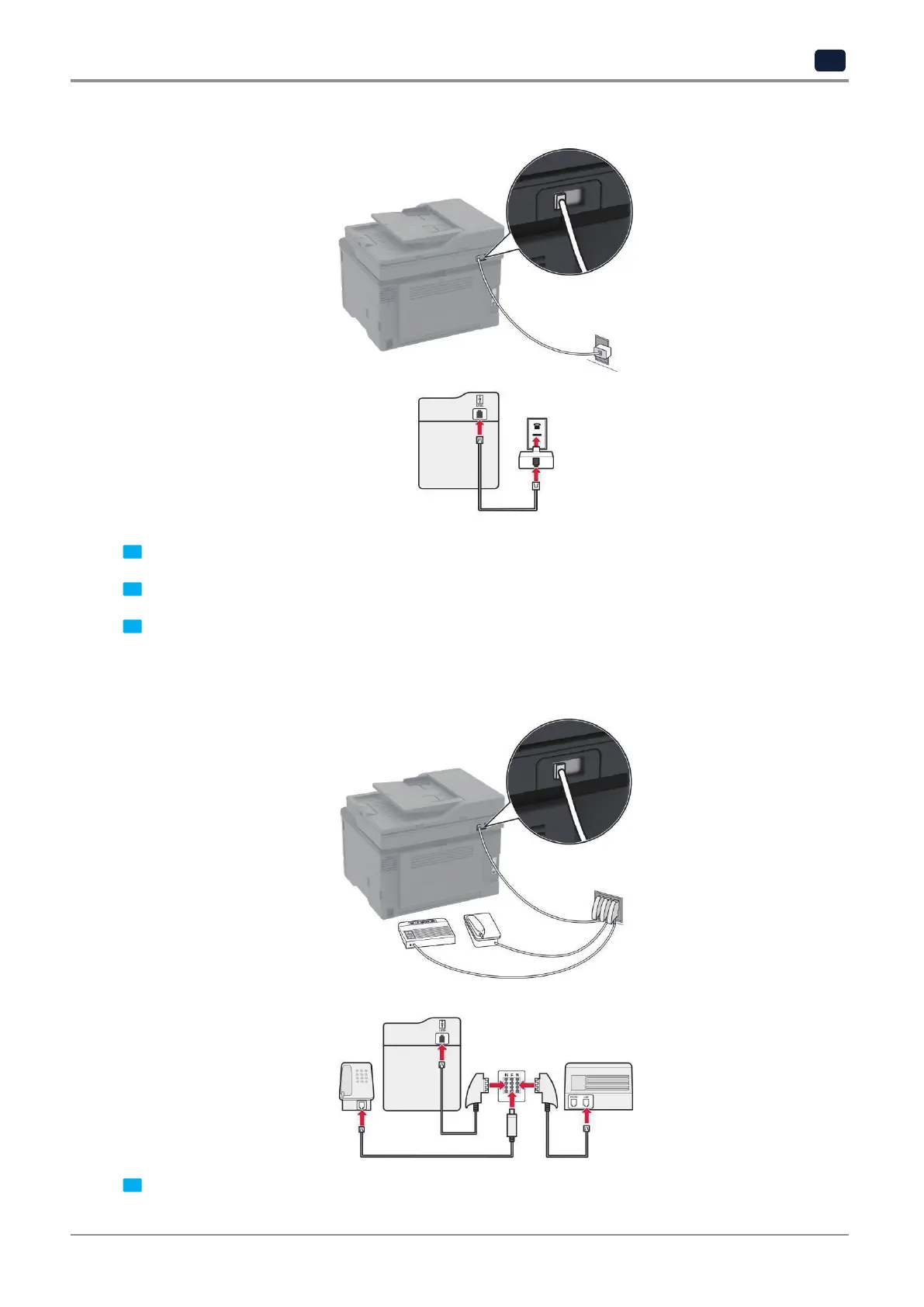
❖ Connecting the printer to a non‑RJ11 wall jack
1 Connect one end of the telephone cable to the line port of the printer.
2 Connect the other end of the cable to the RJ11 adapter, and then connect the adapter to the wall jack.
3 If you want to connect another device with a non-RJ11 connector to the same wall jack, then connect it
directly to the telephone adapter.
❖ Connecting the printer to a wall jack in Germany
1 Connect one end of the telephone cable to the line port of the printer.



 To Next Page