3-11
Set up, install, and configure
3
Loading trays
CAUTION : TIPPING HAZARD
Toreducetheriskofequipmentinstability,loadeachtrayseparately.Keepallothertraysclosed
until needed.
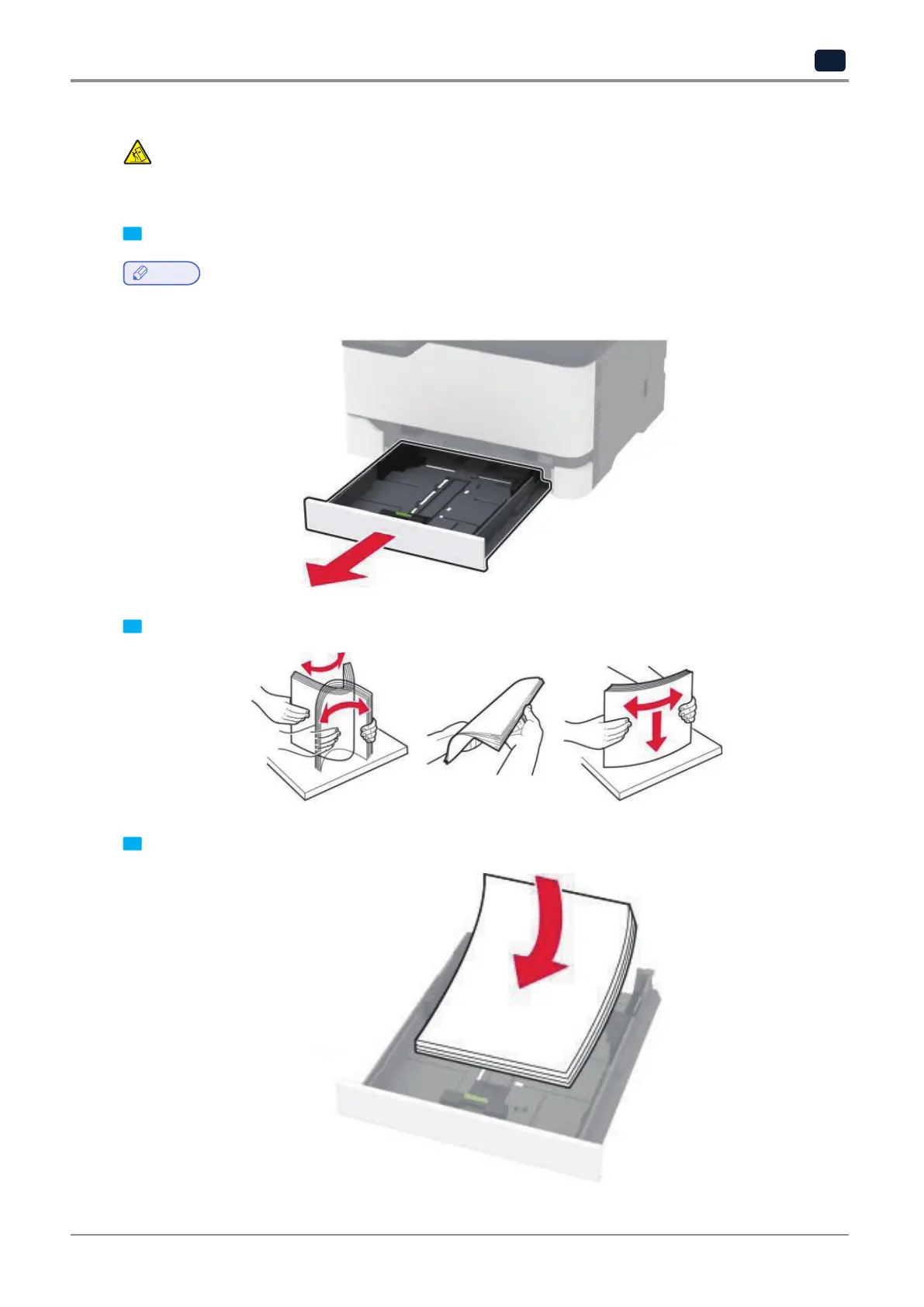
1 Remove the tray.
Note
-
To avoid paper jams, do not remove trays while the printer is busy.
2 Flex,fan,andalignthepaperedgesbeforeloading.
3 Load the paper stack with the printable side faceup.



 To Next Page