Set up, install, and configure
3-12
3
Note
-
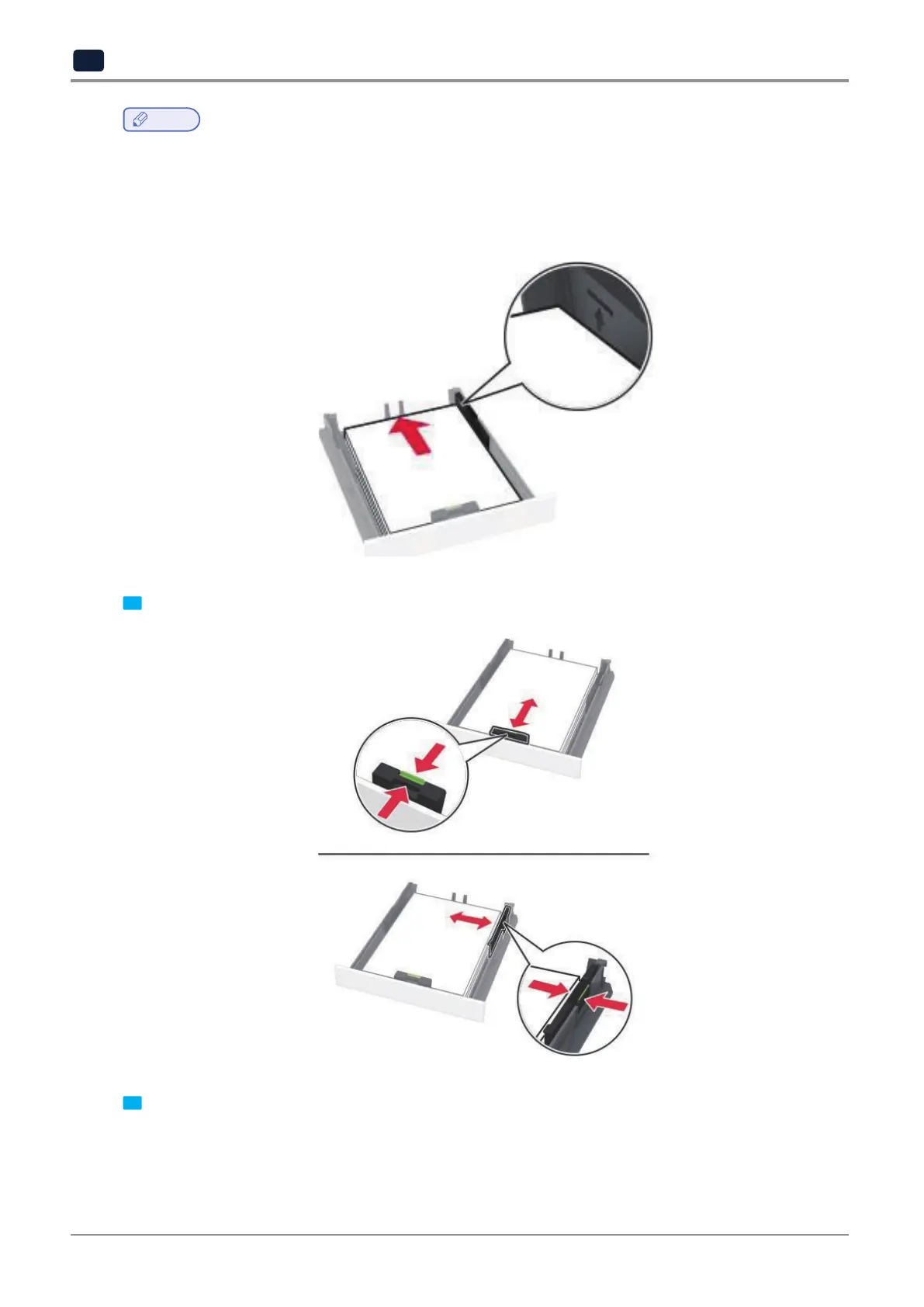
Load letterhead faceup with the header toward the back of the tray for one-sided printing.
-
Load letterhead facedown with the header toward the front of the tray for two-sided printing.
-
Donotslidepaperintothetray.
-
Toavoidpaperjams,makesurethatthestackheightisbelowthemaximumpaperfillindicator.
4 Adjust the guides to match the size of the paper that you are loading.
5 Insert the tray.
If necessary, set the paper size and paper type from the control panel to match the paper loaded.



 To Next Page