152
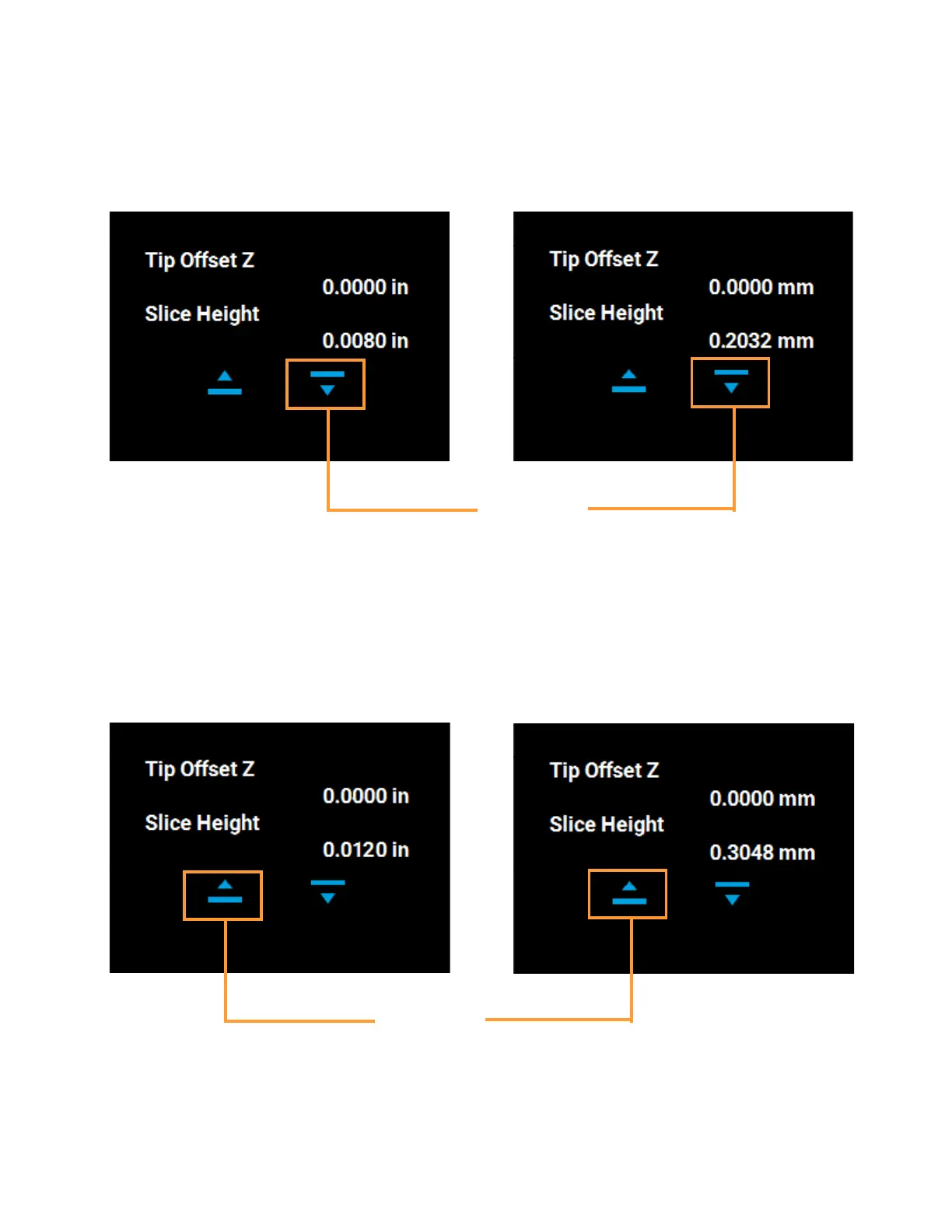
• Use the Down button to enter the value obtained in step C if this value is less than the tip’s slice
height. For example, if you measured an average of 0.0080 in. (0.2032 mm) for a tip with a slice
height of 0.010 in. (0.254 mm), press the Down button until 0.0080 (0.2032) is displayed within
the Slice Height field.
Figure 6-16: Z Offset Adjustment
• Use the Up button to enter the value obtained in step C if this value is greater than the tip’s slice
height. For example, if you measured an average of 0.0120 in. (0.3048 mm) for a tip with a slice
height of 0.010 in. (0.254 mm), press the Up button until 0.0120 (0.3048) is displayed within the
Slice Height field.
Figure 6-17: Z Offset Adjustment
English units
Metric units
Down button
for adjusting
Z offset
English units
Metric units
Up button
for adjusting
Z offset














 To Next Page