159
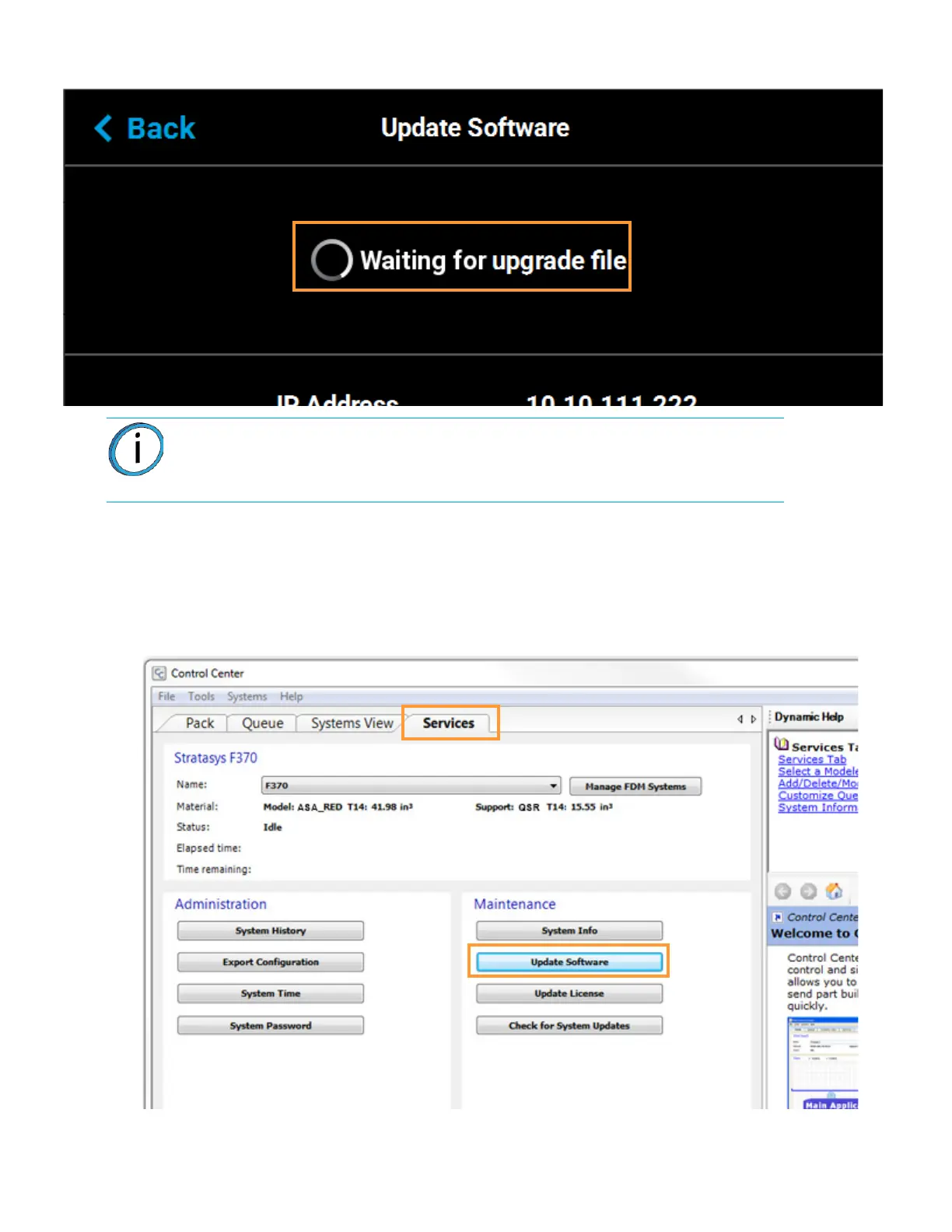
Figure 7-1: Printer In Software Upgrade Mode
4. From your workstation PC’s Start Menu, navigate to All Programs > Insight (installed version)
> Control Center (installed version) or double-click the Control Center shortcut (if available).
5. Within Control Center, select the Services tab. Ensure that your F370 Series printer is selected
from the drop-down menu then click the Update Software button.
Figure 7-2: Control Center Update Software
Note: All recent calibration data (i.e. tip offset values) as well as printer settings
and configurations are automatically retained during the software upgrade
process. Files sent to the Job Queue via Ethernet or Wi-Fi connection or
transferred to the printer from a USB flash drive are not retained.














 To Next Page