160
6. Control Center will begin establishing a connection with the printer. Once a connection is
established, the workstation PC’s file explorer will open.
7. Browse to the location of the .upg software upgrade file.
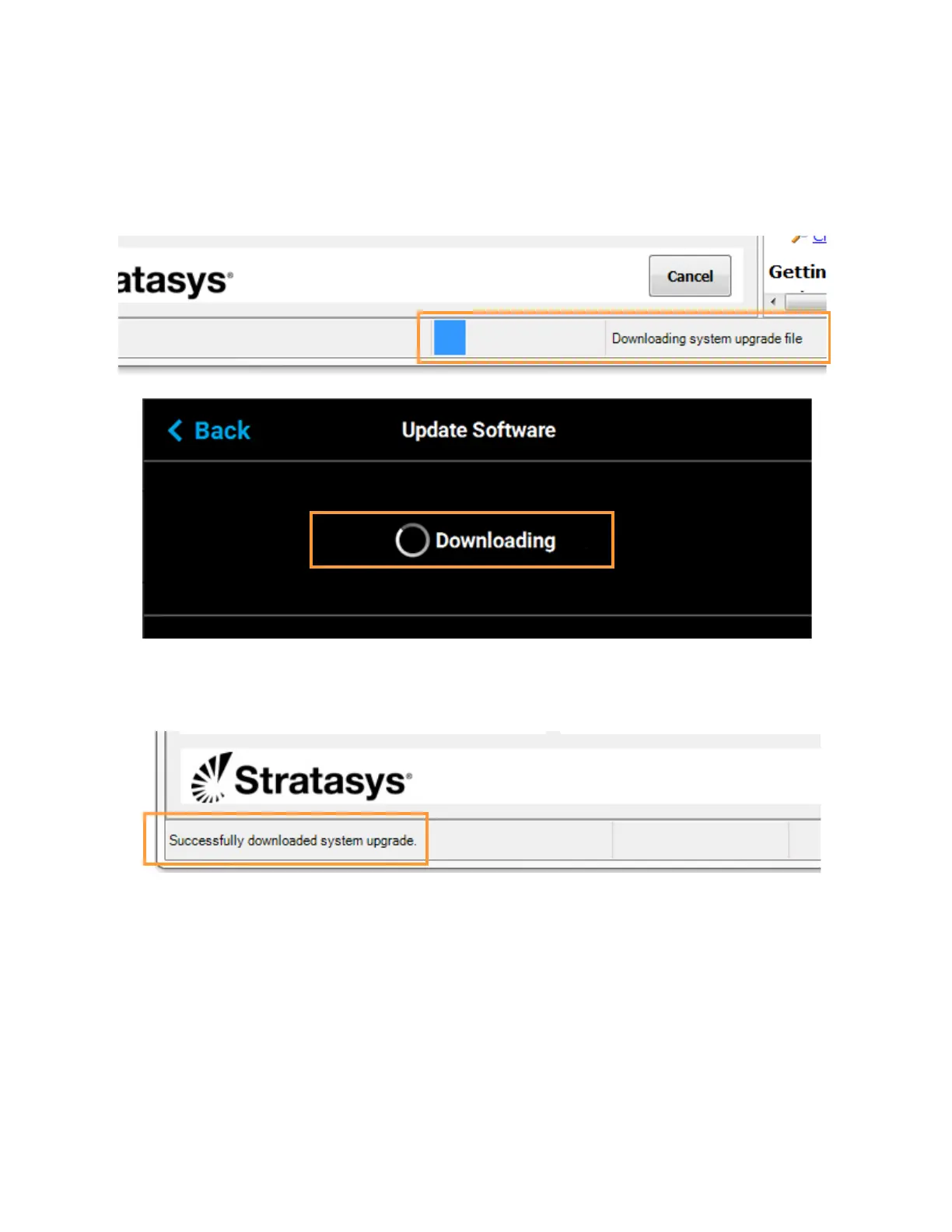
8. Select the .upg file to be downloaded and then click Open. Control Center will begin sending
software to the printer. Progress is indicated within the bottom of the Control Center window as
well as on the touchscreen.
Figure 7-3: Software Download Progress
9. Once the software upgrade is successfully downloaded to the printer an indicator will be
displayed within the bottom of the Control Center window.
Figure 7-4: Software Upgrade Successfully Downloaded














 To Next Page