161
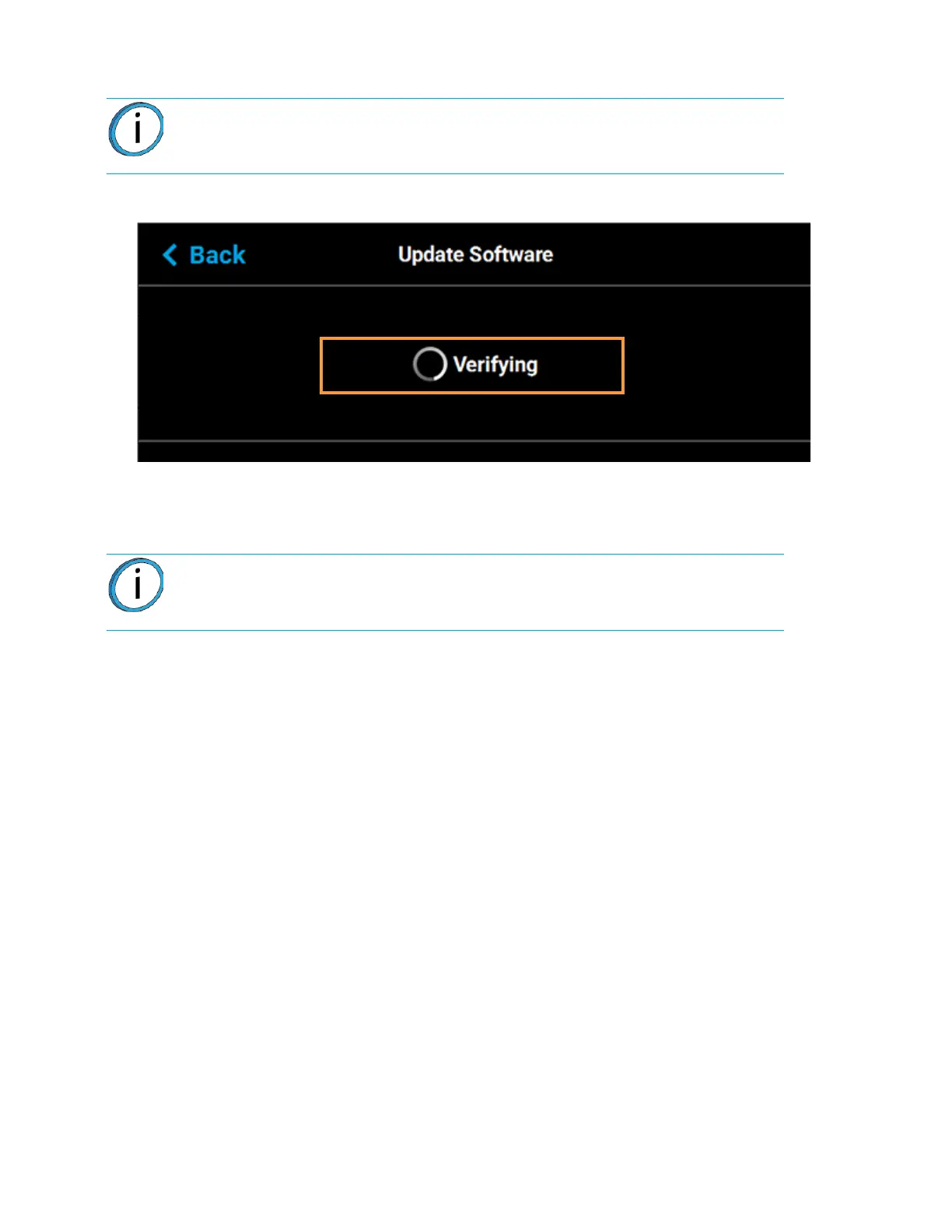
10. The touchscreen will refresh to indicate that the printer is verifying the upgrade file.
Figure 7-5: Verifying Software Upgrade
11. Once the verification process is complete, the printer will automatically reboot and begin
installing the upgrade file. A variety of output will be displayed on the touchscreen during the
installation process.
12. Once the Controller Software upgrade is installed the printer will conduct its regular startup
process and automatically perform an XY Gantry Calibration (see “Powering ON the Printer” on
page 105 for details).
Note: The verification process will take several minutes; please be patient.
Note: The installation process will take several minutes; please be patient.














 To Next Page