15
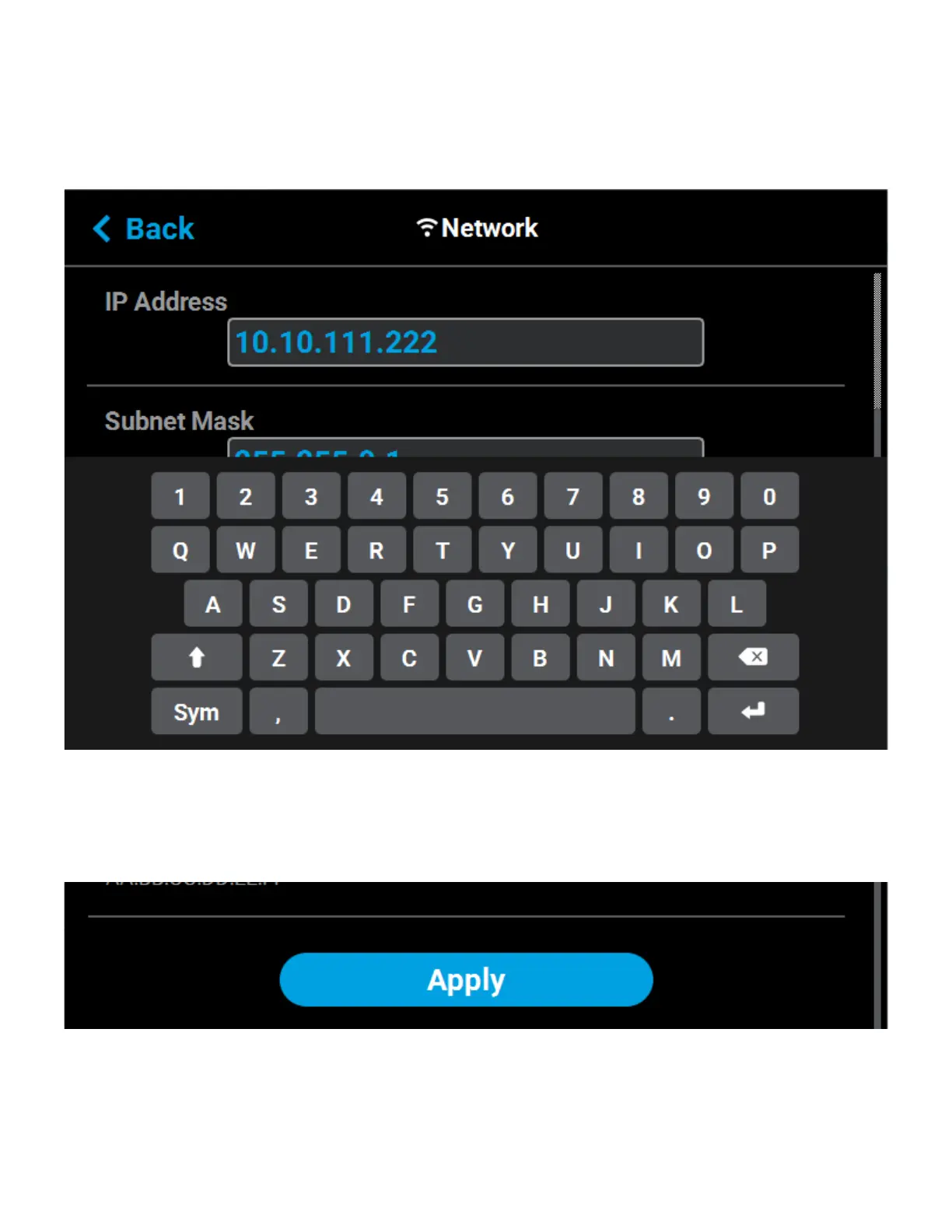
• If the Static option is enabled, you must manually configure the IP Address, Subnet Mask, and
Gateway Address fields.To configure this information simply touch a field on the screen to select
it and then use the keypad displayed to enter address information.
• Touch anywhere on the screen outside of the keypad to exit and close the keypad.
Figure 2-9: Static Network Configuration
• Scroll to the bottom of the page and press the Apply button when finished to save the
network configuration.
• Press the Back button in the upper-left corner of the page to return to the Network page.
Figure 2-10: Apply Changes Button














 To Next Page