16
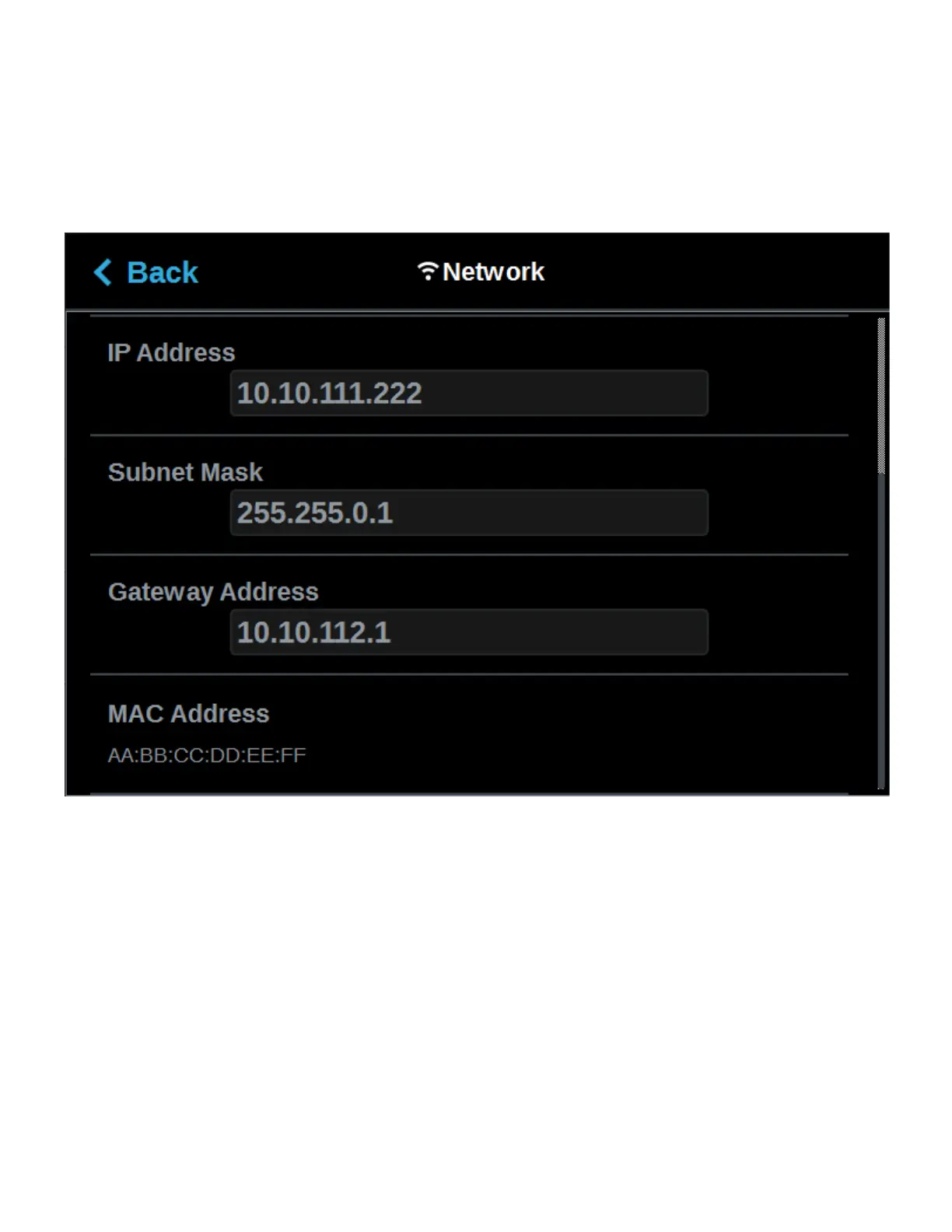
• If the Dynamic option is enabled, no additional configuration is necessary as a network server or
PC will automatically generate an IP address for the printer. A different IP address may be
generated from time to time by the server or PC; the generated IP address will be displayed
within the IP Address field of the Network page, and corresponding Subnet Mask and Gateway
Address information will also be displayed.
• Press the Back button to exit the page and return to the Tools page.
Figure 2-11: Dynamic Network Configuration
7. For wireless networks:
A. The Available Networks row will be displayed (Wi-Fi dongle must be installed). Press
anywhere within this row.
B. Press the Scan button; the printer will scan for an available wireless (Wi-Fi) network.














 To Next Page