17
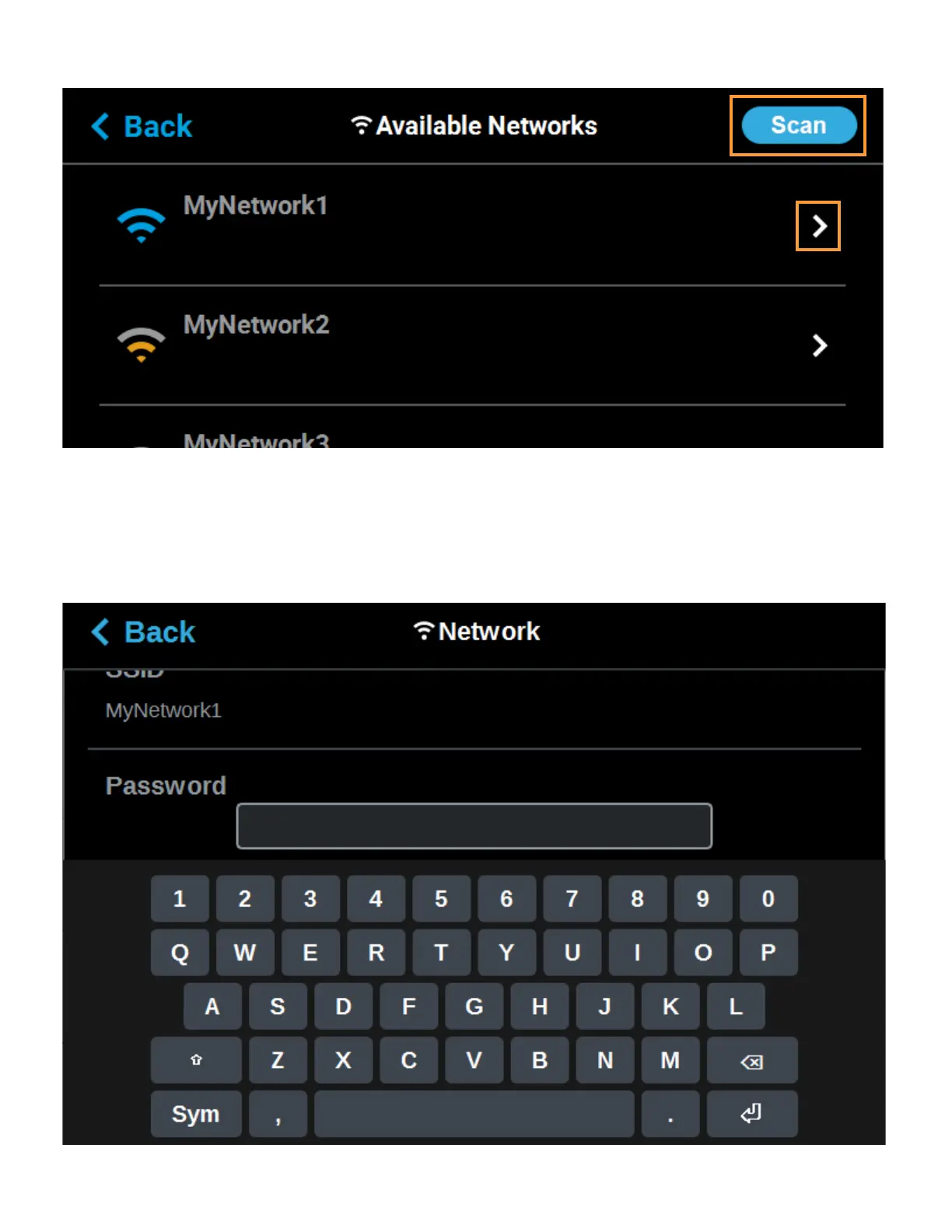
Figure 2-12: Scan for Wireless Network
C. A list of available networks will be displayed; select the wireless network you’d like to
connect to by pressing anywhere within the row.
D. A page will be displayed containing the details of the selected Wi-Fi network. Within this
page use the keyboard to enter the password and/or username required to connect to the
network.
Figure 2-13: Enter Wi-Fi Network Information














 To Next Page