4-32 Sun Netra T5220 Server Service Manual • January 2012
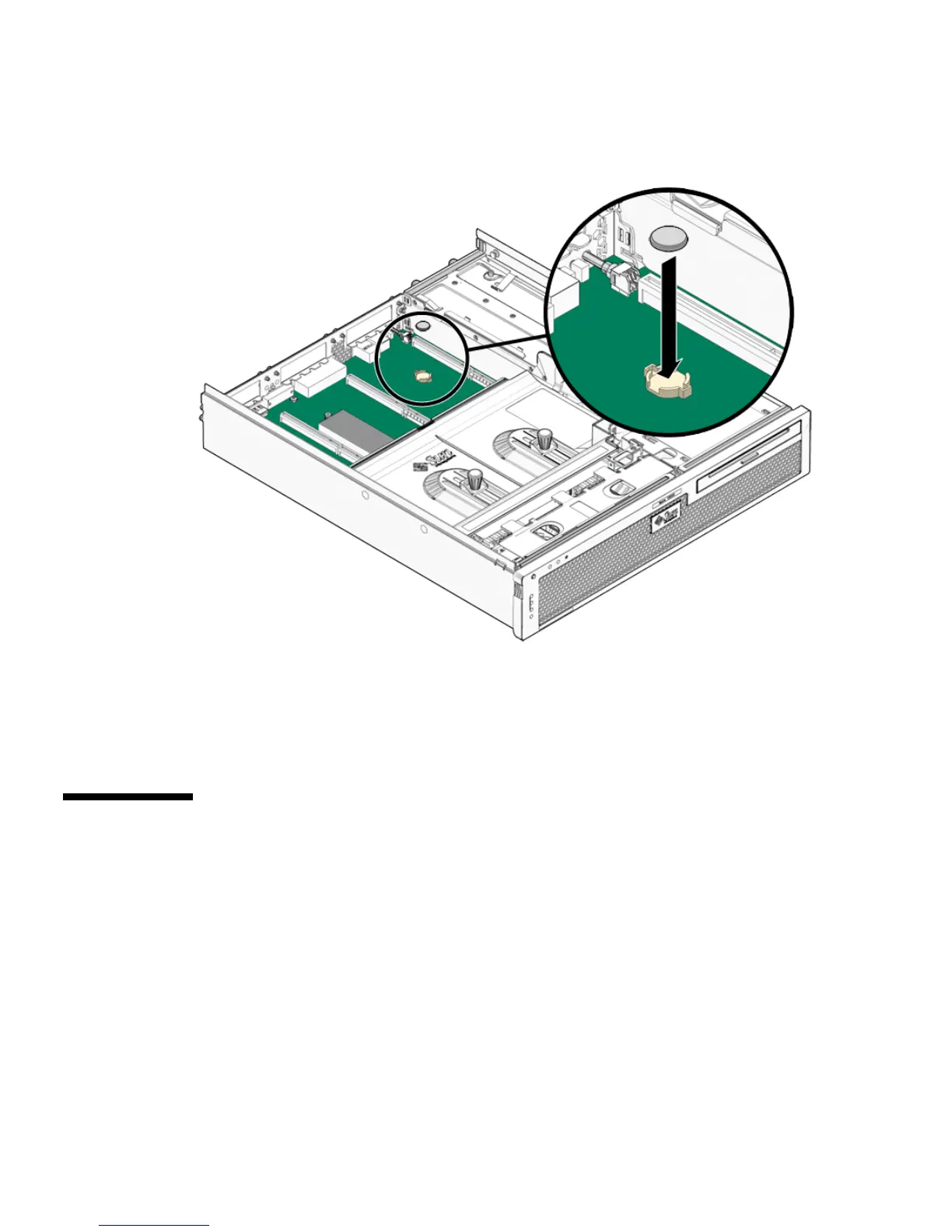
FIGURE 4-18 Inserting the Battery Into the Service Processor Board
3. Bring the server back online. See Section 4.1, “Powering Off and Powering On
the Server” on page 4-1.
4. See Chapter 6 to return the server to operation.
4.8 Replacing the NVRAM
4.8.1 Removing the NVRAM
1. Prepare the server for NVRAM removal. See Section 4.1, “Powering Off and
Powering On the Server” on page 4-1.
2. Carefully pull the NVRAM from the service processor board (
FIGURE 4-19).













 To Next Page