5-6 Sun Netra T5220 Server Service Manual • January 2012
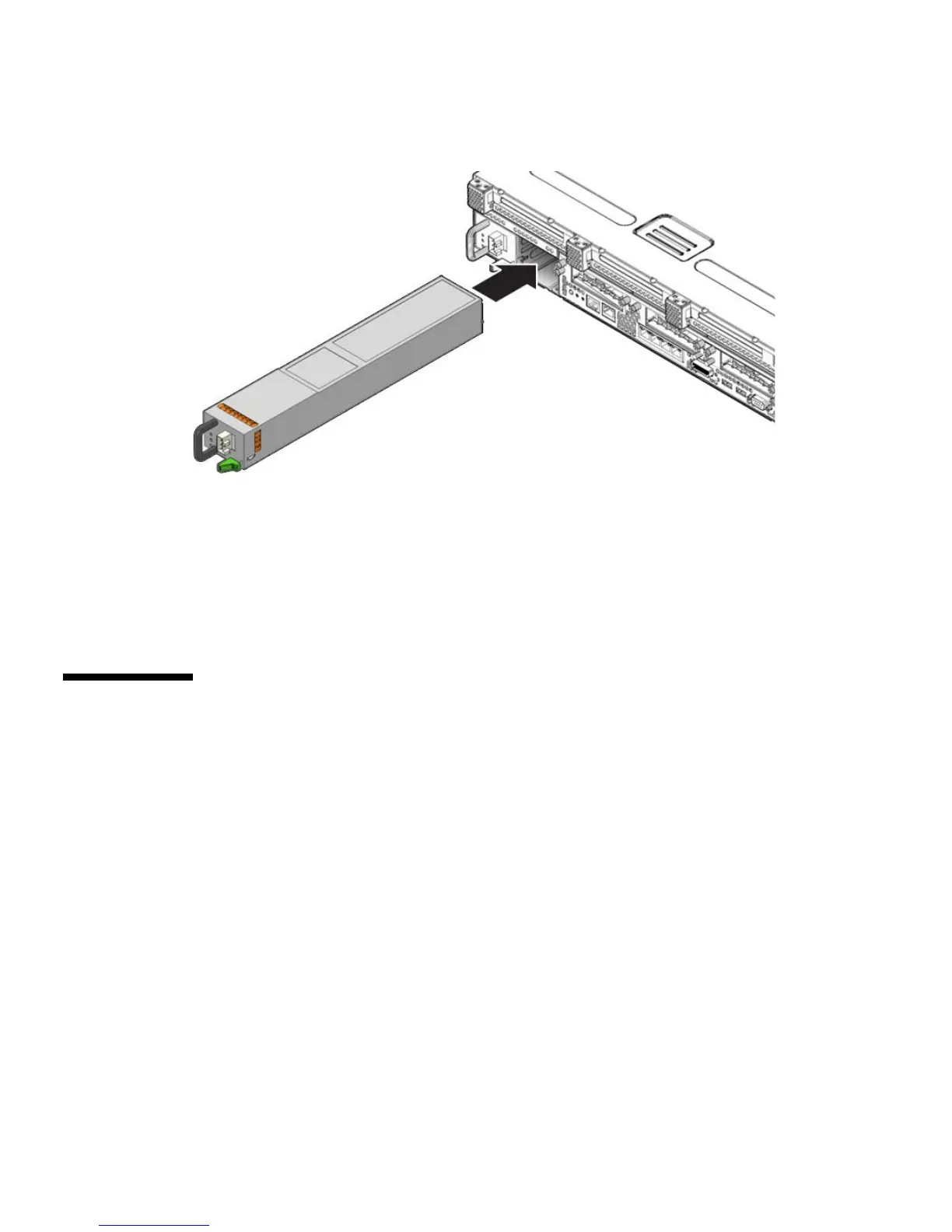
FIGURE 5-5 Installing a Power Supply
4. Reconnect the power cord to the power supply.
5. Verify that the amber LED on the replaced power supply and the service
required LEDs are not lit.
6. At the sc> prompt, issue the showenvironment command to verify the status
of the power supplies.
5.3 Replacing the System Fan Assembly
(FT0)
The system fan assembly is labeled FT0.
5.3.1 Removing the System Fan Assembly
1. Prepare the server for fan assembly removal. See:
■ Section 2.3.1, “Powering Off the Server” on page 2-3
■ Section 2.3.2, “Disconnecting Cables From the Server” on page 2-4
■ Section 2.3.3, “Removing the Server From the Rack” on page 2-5
■ Section 2.3.4, “Performing Antistatic Measures” on page 2-8
■ Section 2.3.5, “Removing the Top Cover” on page 2-8













 To Next Page