Chapter 5 Replacing Chassis Components 5-7
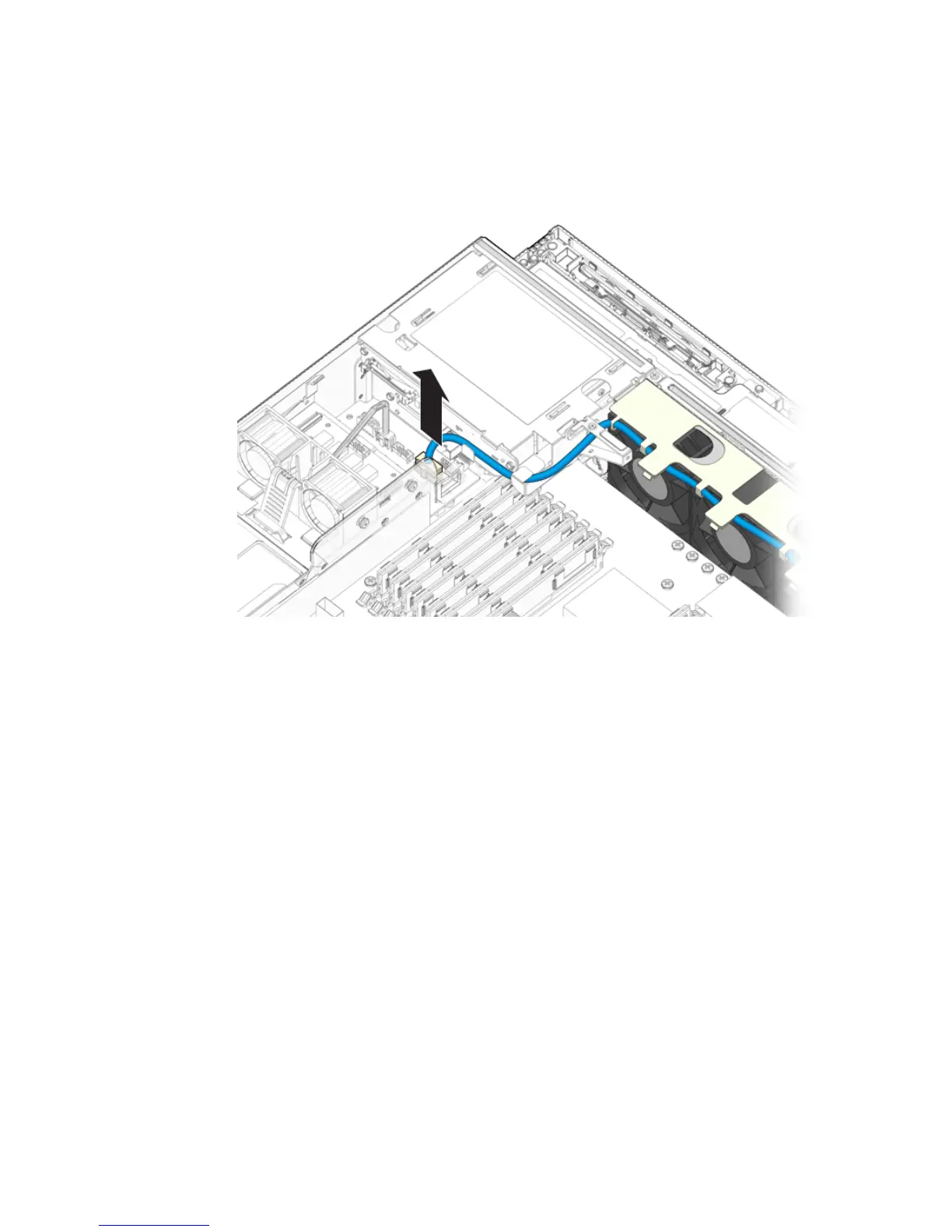
2. Disconnect the fan assembly cable from the power board (FIGURE 5-6).
FIGURE 5-6 Disconnecting the System Fan Assembly Cable
3. Remove the fan assembly cable from the cable guides.
4. Insert your forefinger and thumb into the holes at the top of the fan assembly,
squeeze them together, and lift the fan assembly from the chassis (
FIGURE 5-7).













 To Next Page