5-2 Sun Netra T5220 Server Service Manual • January 2012
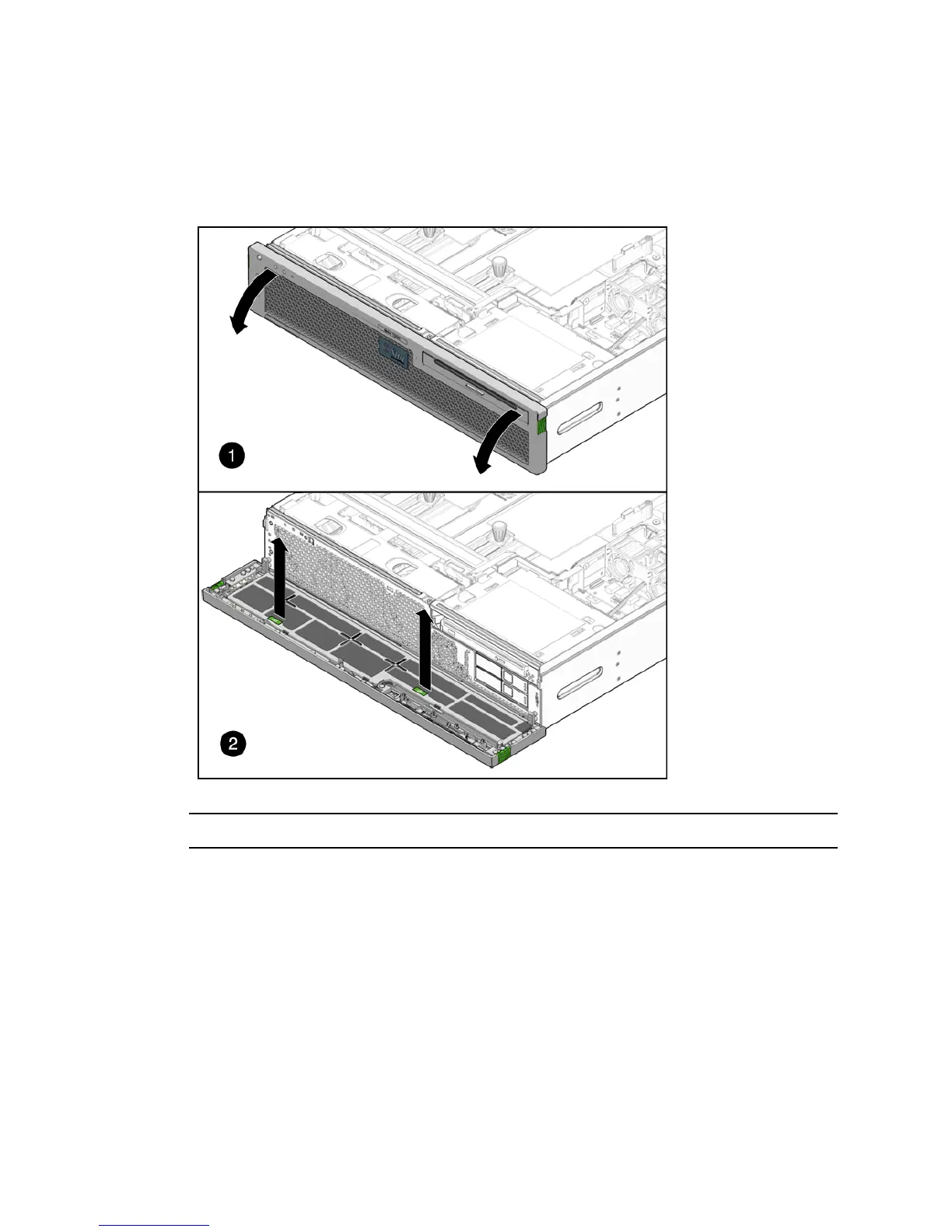
2. Grasp the tabs and lift the air filter from the bezel (FIGURE 5-1).
FIGURE 5-1 Opening the Bezel and Removing the Air Filter
Note – Do not operate the server without an air filter.
3. Continue to Section 5.1.2, “Installing the Air Filter” on page 5-2.
5.1.2 Installing the Air Filter
1. Remove the replacement air filter from its packaging.
2. Insert the air filter into the bezel (
FIGURE 5-2).
3. Close the bezel (
FIGURE 5-2).













 To Next Page