Chapter 4 Replacing Motherboard Assembly Components 4-33
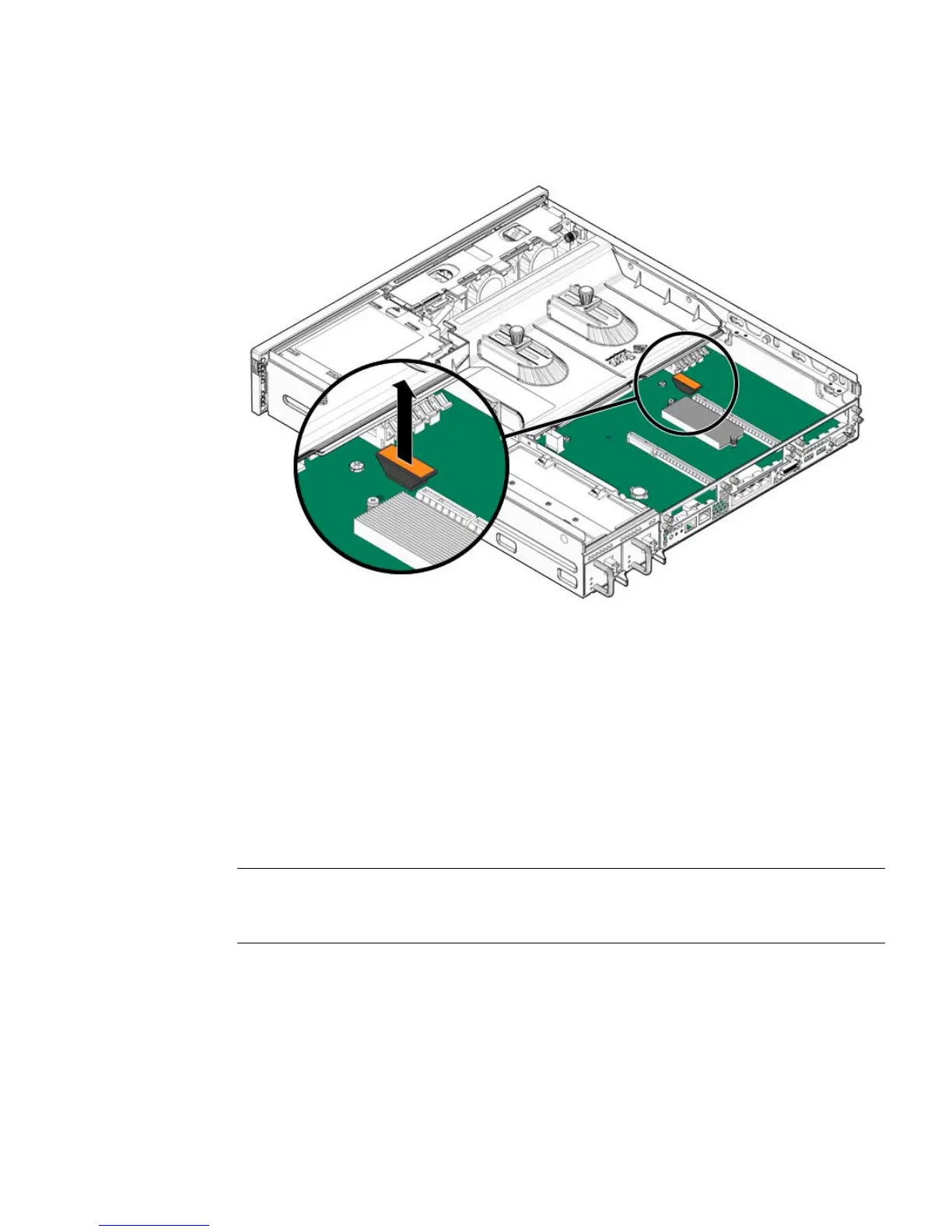
FIGURE 4-19 Pulling the NVRAM From the Service Processor Board
3. Set the NVRAM aside on an antistatic mat.
4. Consider your next step:
■ If you removed the NVRAM as part of another procedure, return to that
procedure.
■ Otherwise, continue to Section 4.8.2, “Installing the NVRAM” on page 4-33.
4.8.2 Installing the NVRAM
Note – The NVRAM contains the identifiers of the server, such as its MAC address,
FRUID, and so on. If you install a new NVRAM, you must reconfigure your
applications and services to recognize the new MAC address, FRUID, and so on.
1. Remove the replacement NVRAM from its packaging and place it on an
antistatic mat.
2. Align the notch in the NVRAM socket with the key on the underside of the
NVRAM, and press it into place (
FIGURE 4-20).













 To Next Page