Chapter 3 Replacing Storage Components 3-5
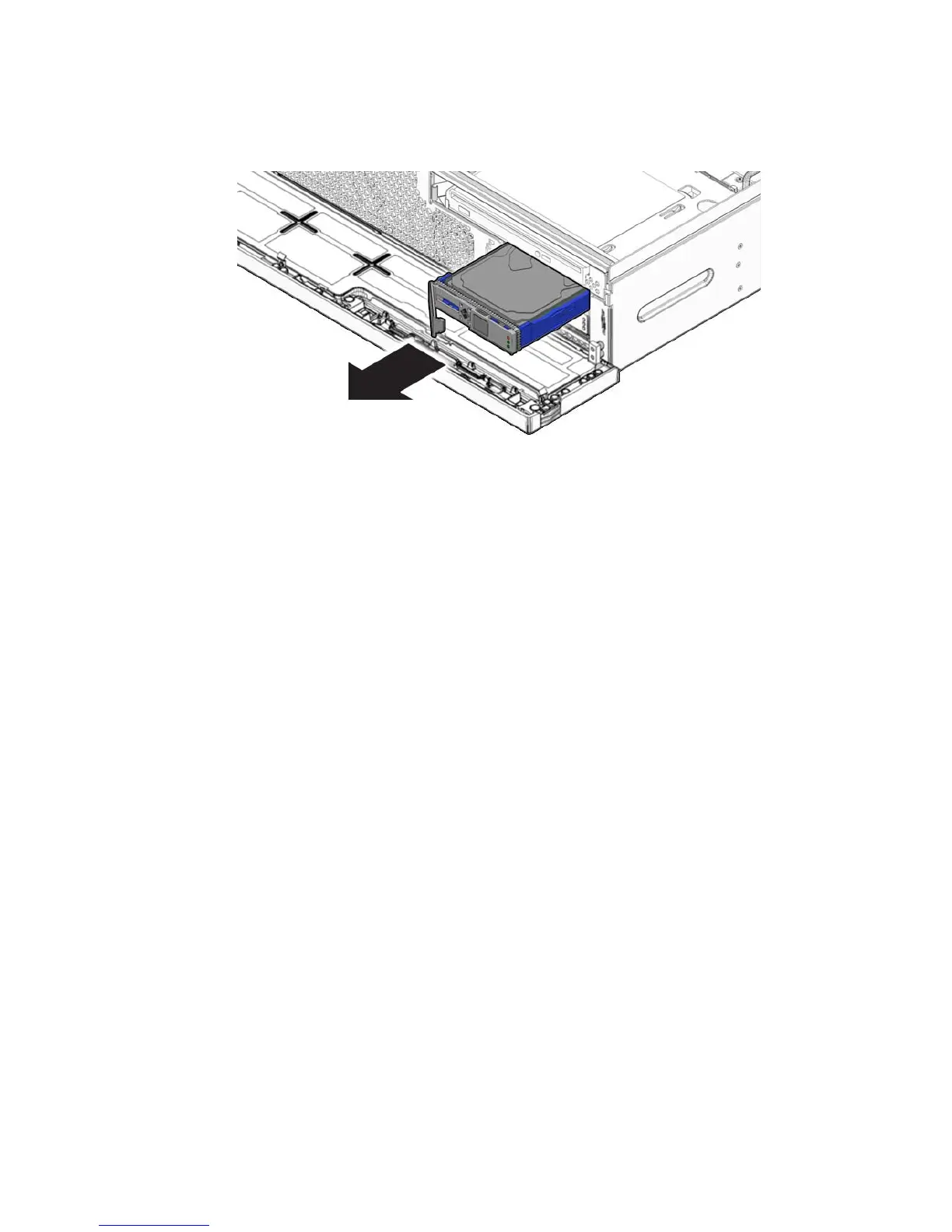
FIGURE 3-5 Removing Hard Drive
6. Consider your next steps:
■ If you are replacing the hard drive, continue to Section 3.1.2, “Installing a Hard
Drive” on page 3-5.
■ If you are not replacing the hard drive, perform administrative tasks to configure
the server to operate without the hard drive.
3.1.2 Installing a Hard Drive
1. Remove the replacement hard drive from its packaging and place it on an
antistatic mat.
2. Align the replacement drive to the drive slot.
The hard drive is physically addressed according to the slot in which it is
installed. It is important to install a replacement drive in the same slot as the drive
that was removed.
3. Slide the drive into the bay until it is fully seated (
FIGURE 3-6).













 To Next Page