Chapter 6 Finishing Up 6-3
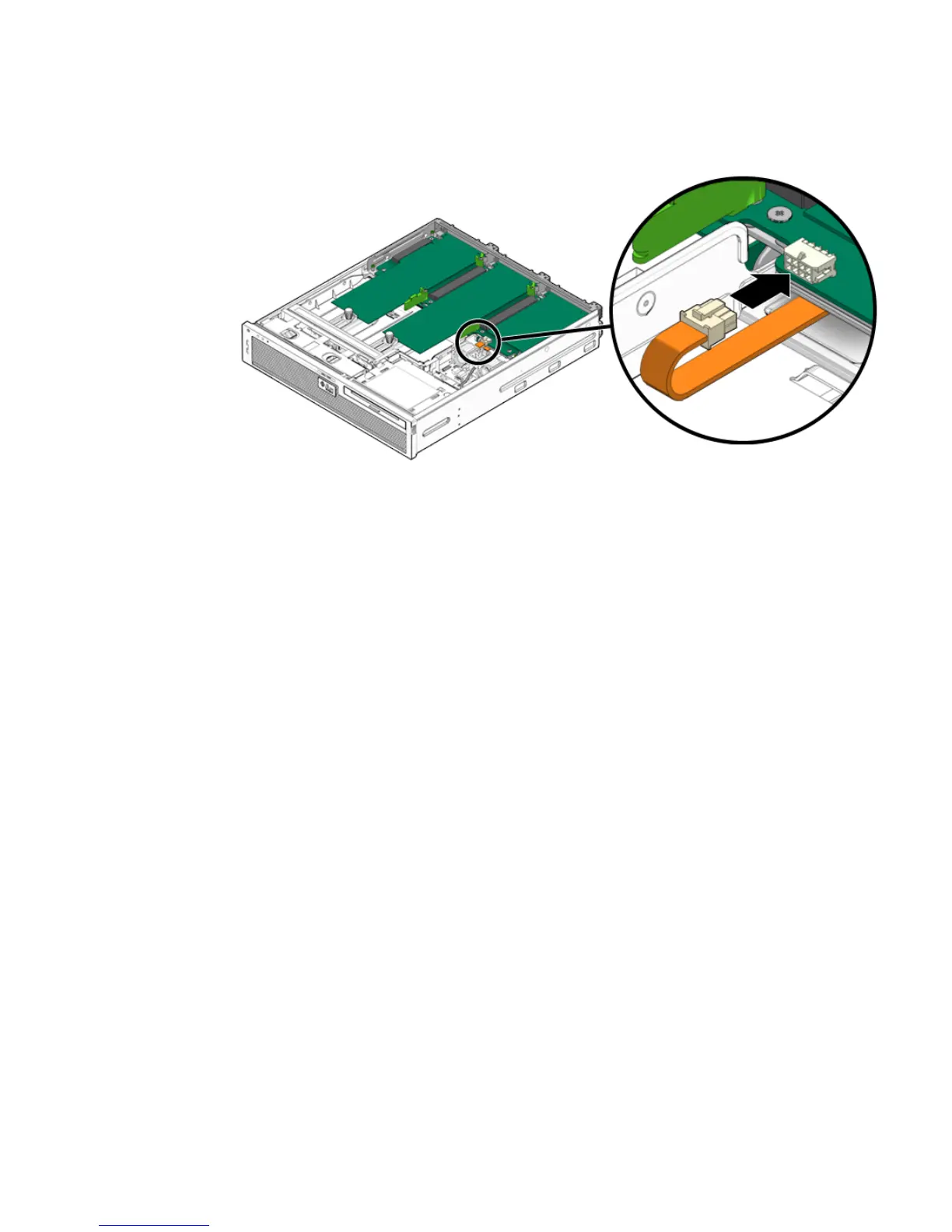
FIGURE 6-2 Reconnecting the PCI Mezzanine Cable
5. Install the top cover.
See Section 6.1.2, “Installing the Top Cover” on page 6-3.
6.1.2 Installing the Top Cover
1. Place the top cover on the chassis.
Set the cover down so that it hangs over the rear of the server by about an inch (25
mm).
2. Carefully align the front of the top cover with the black line (with arrows)
printed on top of the media bay assembly (
FIGURE 6-3).
3. Slide the cover forward until it latches into place (
FIGURE 6-3).













 To Next Page