Chapter 4 Replacing Motherboard Assembly Components 4-9
▼ To Remove the PCI-X 3 Card
1. Prepare the server for PCI card removal. See Section 4.1, “Powering Off and
Powering On the Server” on page 4-1.
2. With the PCI mezzanine installed and cabled, identify which card is to be
removed.
3. Loosen the appropriate PCI card retainers and securing screws (
FIGURE 4-3).
The screws are captive and cannot be completely removed from the PCI
mezzanine.
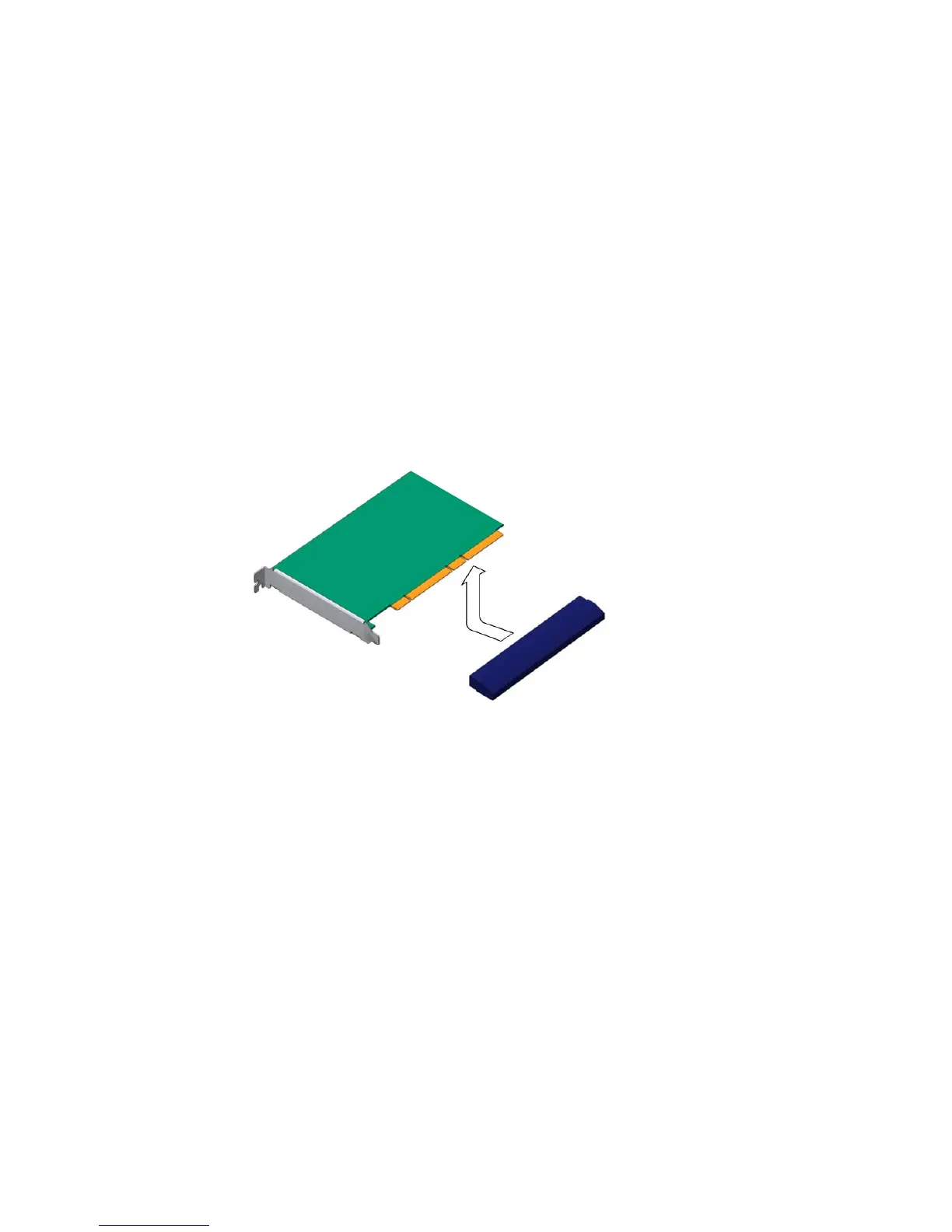
4. Slide the card to the left and lift it out of the PCI mezzanine (
FIGURE 4-4).
FIGURE 4-6 Removing the PCI-X 3 Card From the PCI Mezzanine
Set the card aside on an antistatic mat.
5. Consider your next step:
■ If you are replacing the card, continue to “To Install the PCI-X 3 Card” on page 9.
■ If you do not replace the card, install a filler panel.
6. Tighten the card securing screws.
7. Bring the server back online. See Section 4.1, “Powering Off and Powering On
the Server” on page 4-1.
▼ To Install the PCI-X 3 Card
1. Prepare the server for PCI card installation. See Section 4.1, “Powering Off and
Powering On the Server” on page 4-1.













 To Next Page