Chapter 5 Replacing Chassis Components 5-19
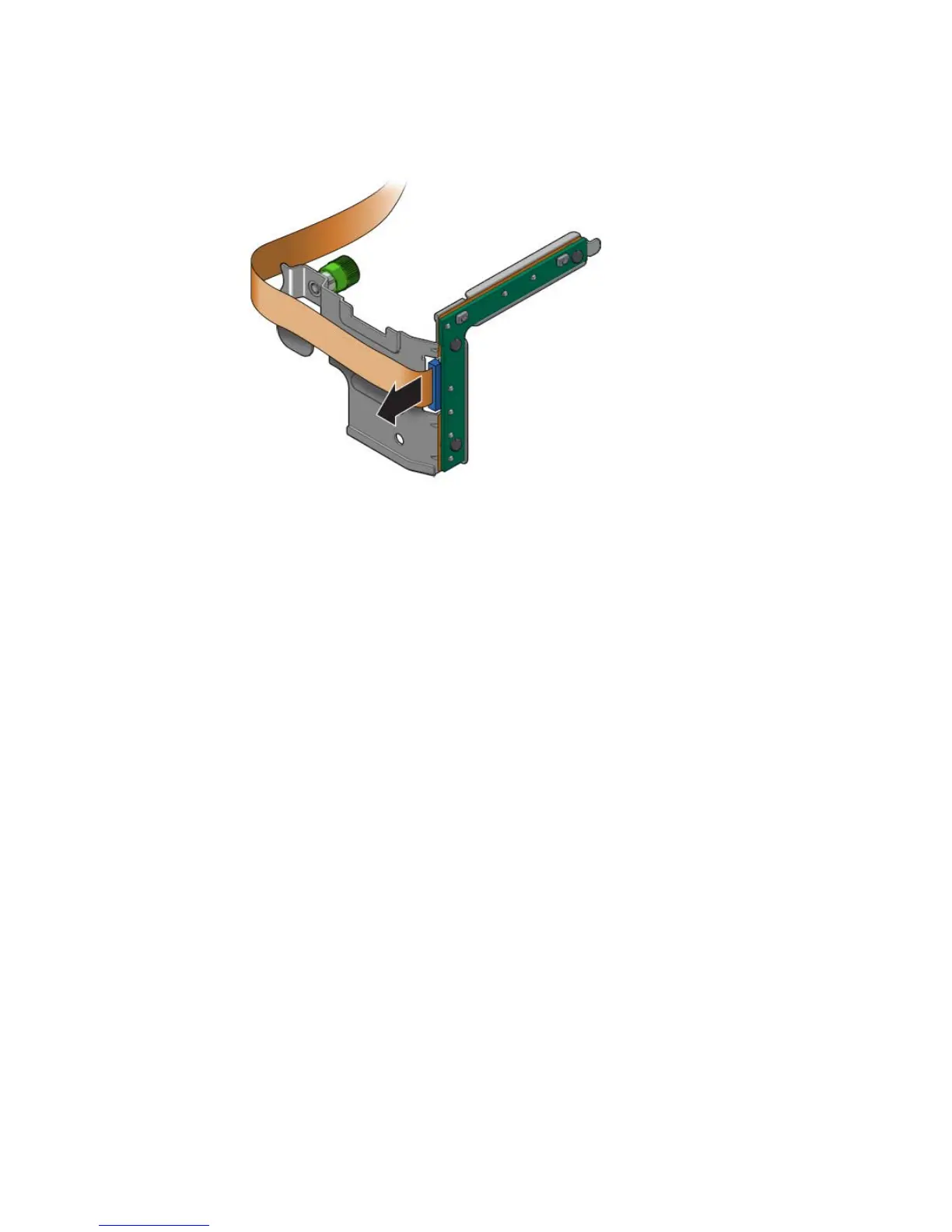
FIGURE 5-17 Disconnecting Cable From the LED Board
7. Set the LED board aside on an antistatic mat.
8. Continue to Section 5.7.2, “Installing the LED Board” on page 5-19.
5.7.2 Installing the LED Board
1. Remove the replacement LED board from its packaging and place it on an
antistatic mat.
2. Connect the cable to the LED board (
FIGURE 5-18).













 To Next Page