Chapter 3 Replacing Storage Components 3-7
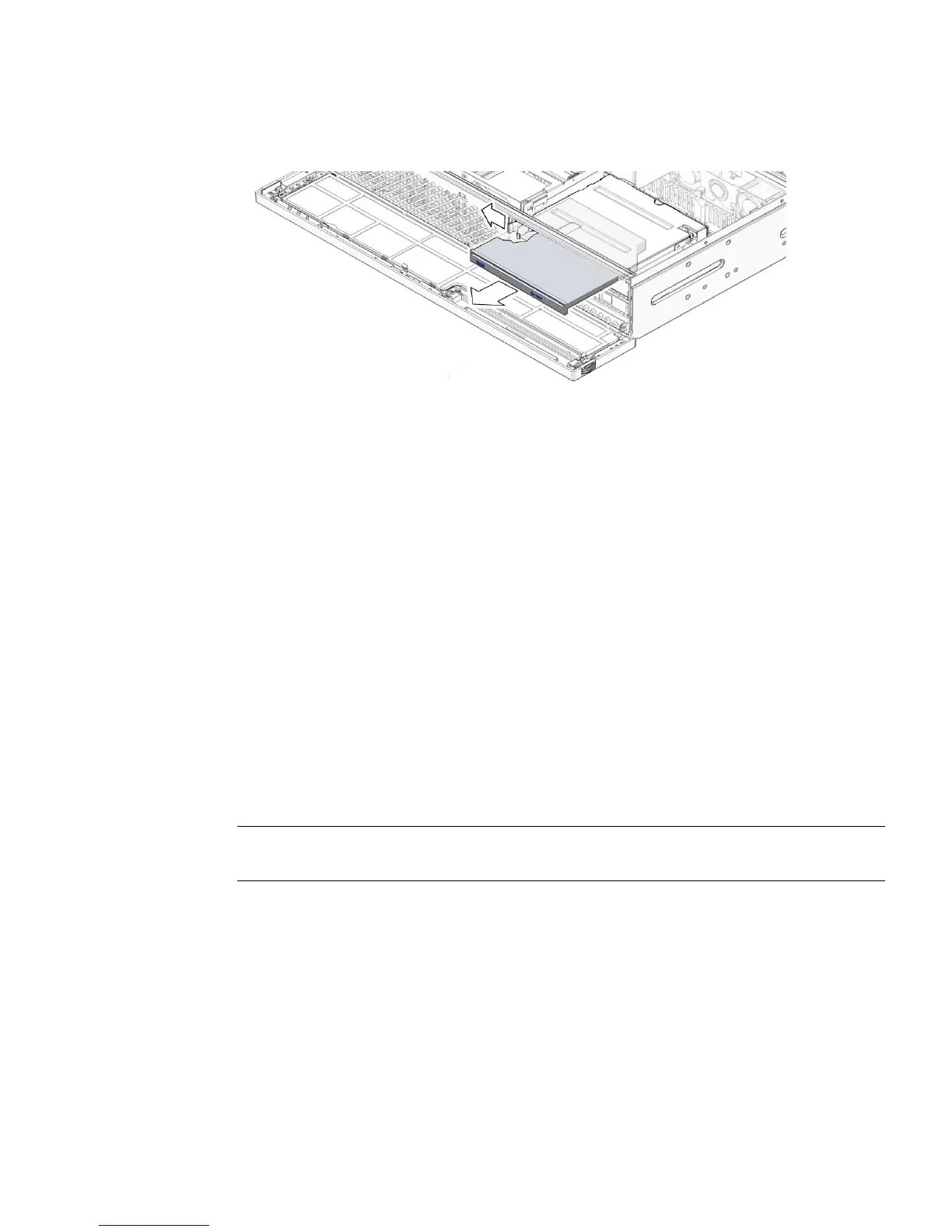
FIGURE 3-7 Releasing the Optical Media Drive
4. Remove the optical media drive from the media bay assembly and set it aside
on an antistatic mat.
5. Consider your next step:
■ If you removed the optical media drive as part of another procedure, return to that
procedure.
■ Otherwise, continue to Section 3.2.2, “Installing the Optical Media Drive” on
page 3-7.
3.2.2 Installing the Optical Media Drive
1. Remove the replacement optical media drive from its packaging and place it on
an antistatic mat.
2. Hold the tab to the left and insert the optical media drive into the media bay
assembly (
FIGURE 3-8).
Note – You do not need to install the top cover to remove the optical media drive.
The following illustration shows the top cover removed for clarity of placement.













 To Next Page