3-6 Sun Netra T5220 Server Service Manual • January 2012
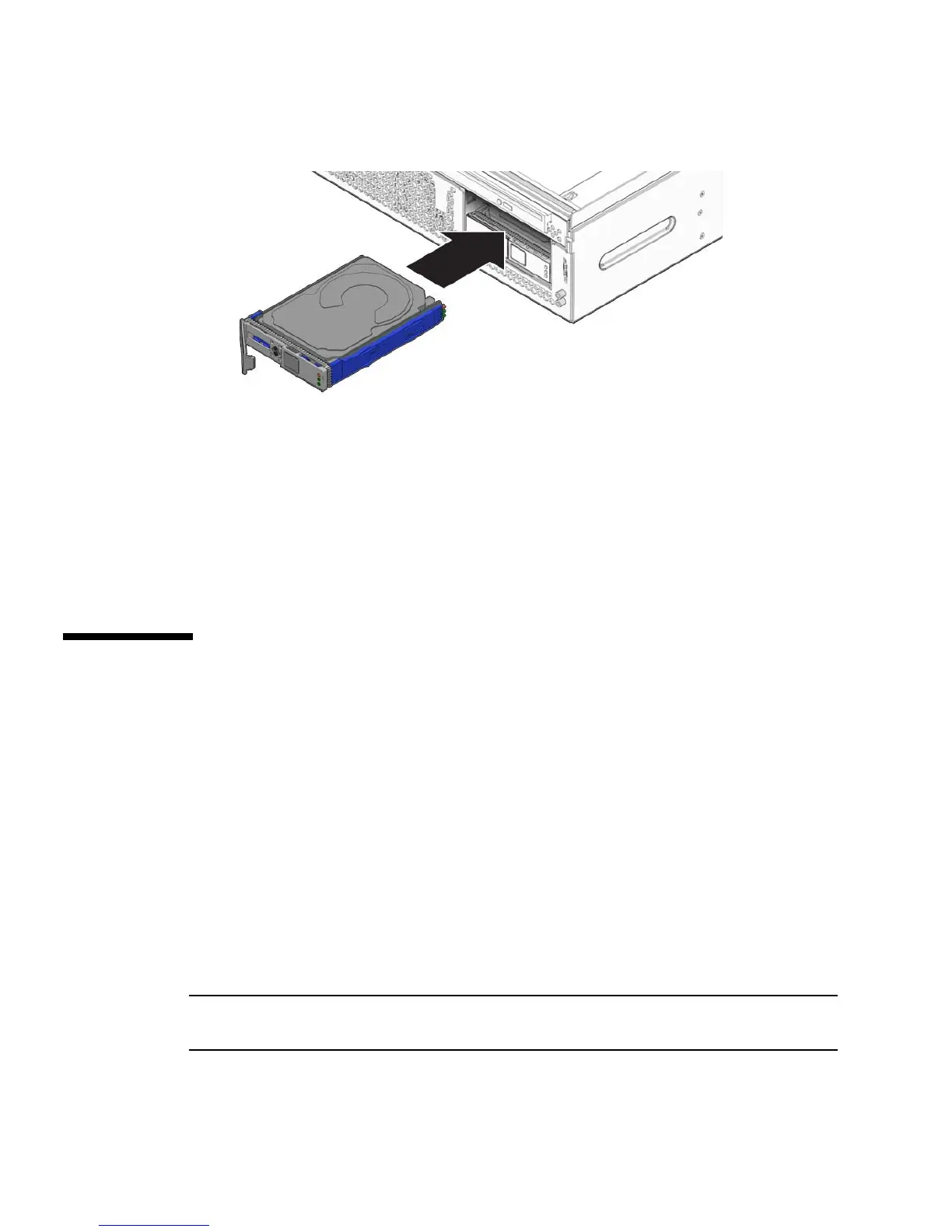
FIGURE 3-6 Installing the Hard Drive
4. Close the latch to lock the drive in place.
5. Close the bezel.
6. Perform administrative tasks to reconfigure the hard drive.
The procedures that you perform at this point depend on how your data is
configured. You might need to partition the drive, create file systems, load data
from backups, or have it updated from a RAID configuration.
3.2 Replacing the Optical Media Drive
3.2.1 Removing the Optical Media Drive
1. Prepare the server for media bay assembly removal. See:
■ Section 2.3.1, “Powering Off the Server” on page 2-3
■ Section 2.3.4, “Performing Antistatic Measures” on page 2-8
2. Open the bezel.
3. Push the release tab to the left and pull the probe forward, freeing the optical
media drive (
FIGURE 3-7).
Note – You do not need to remove the top cover to remove the optical media drive.
The following illustration shows the top cover removed for clarity of placement.













 To Next Page