Chapter 5 Replacing Chassis Components 5-3
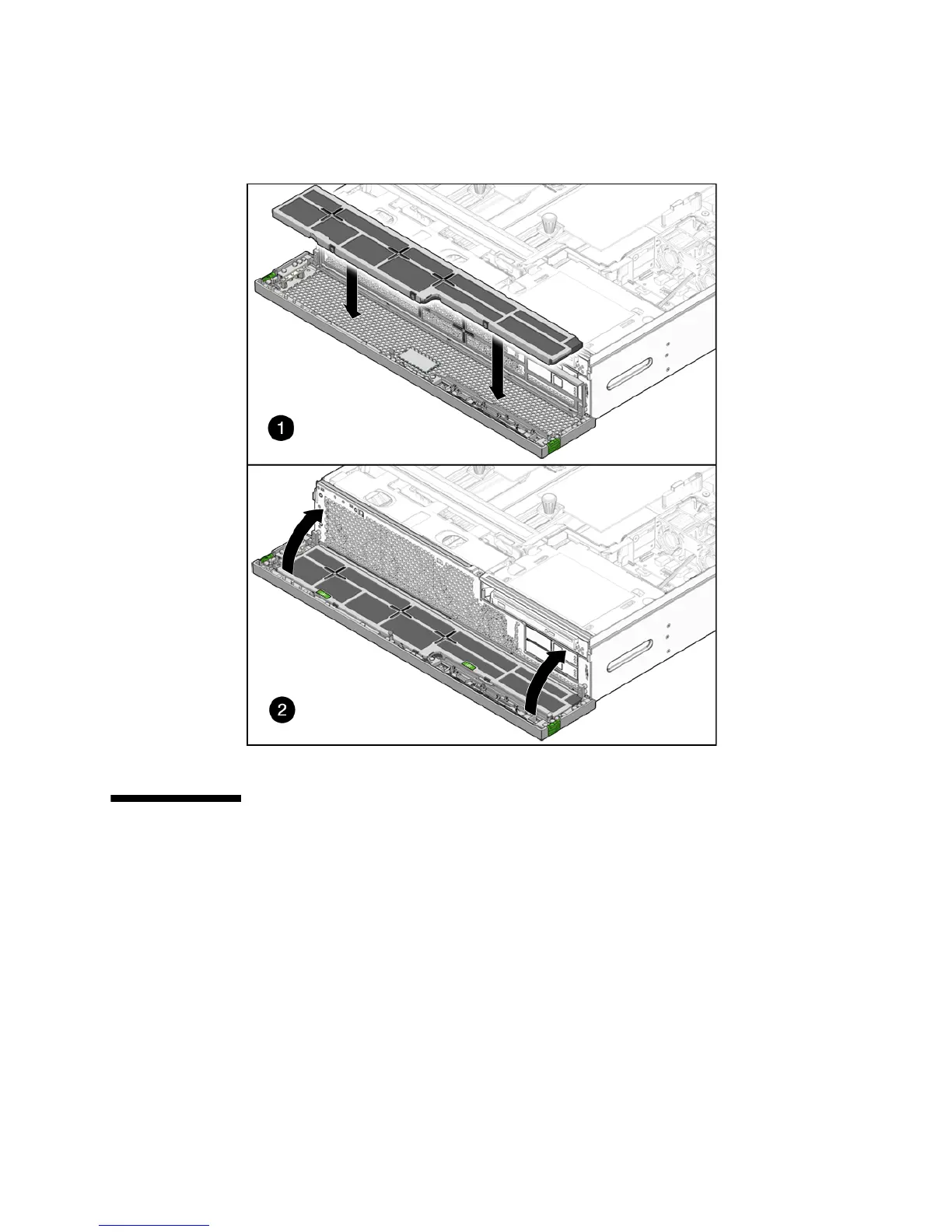
FIGURE 5-2 Installing the Air Filter and Closing the Bezel
5.2 Replacing a Power Supply
The server’s redundant hot-swappable power supplies enable you to remove and
replace a power supply without shutting the server down provided that the other
power supply is online and working.
The following LEDs are lit when a power supply fault is detected:
■ Front and rear Service Required LEDs.
■ Amber Failure LED on the faulty power supply
If a power supply fails and you do not have a replacement available, leave the failed
power supply installed to ensure proper air flow in the server.













 To Next Page