1-12 Sun Netra T5220 Server Service Manual • January 2012
1.3.2 Hard Drive LEDs
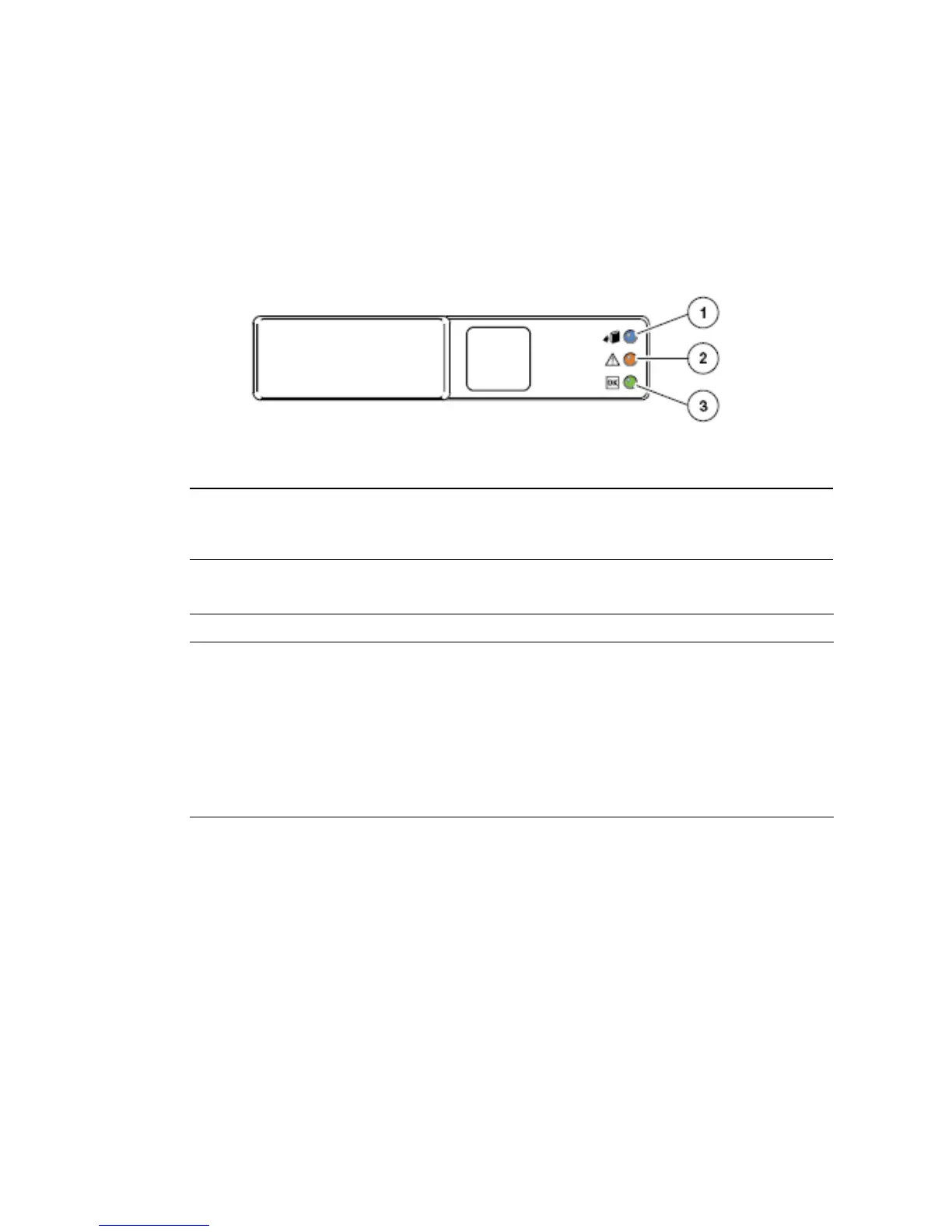
The hard drive LEDs (FIGURE 1-4 and TABLE 1-3) are located on the front of each hard
drive that is installed in the server chassis.
FIGURE 1-4 Hard Drive LEDs
1.3.3 Power Supply LEDs
The power supply LEDs (FIGURE 1-5 and TABLE 1-4) are located on the rear of each
power supply.
Figure Legend
1 OK to Remove
2 Fault
3 Activity
TABLE 1-3 Hard Drive LEDs
LED Color Description
OK to
Remove
Blue • On – The drive is ready for hot-plug removal.
• Off – Normal operation.
Fault Amber • On – The drive has a fault and requires attention.
• Off – Normal operation.
Activity Green • On – The drive is receiving power. Solidly lit if drive is idle.
• Flashing – The drive is processing a command.
• Off – Power is off.













 To Next Page