4-34 Sun Netra T5220 Server Service Manual • January 2012
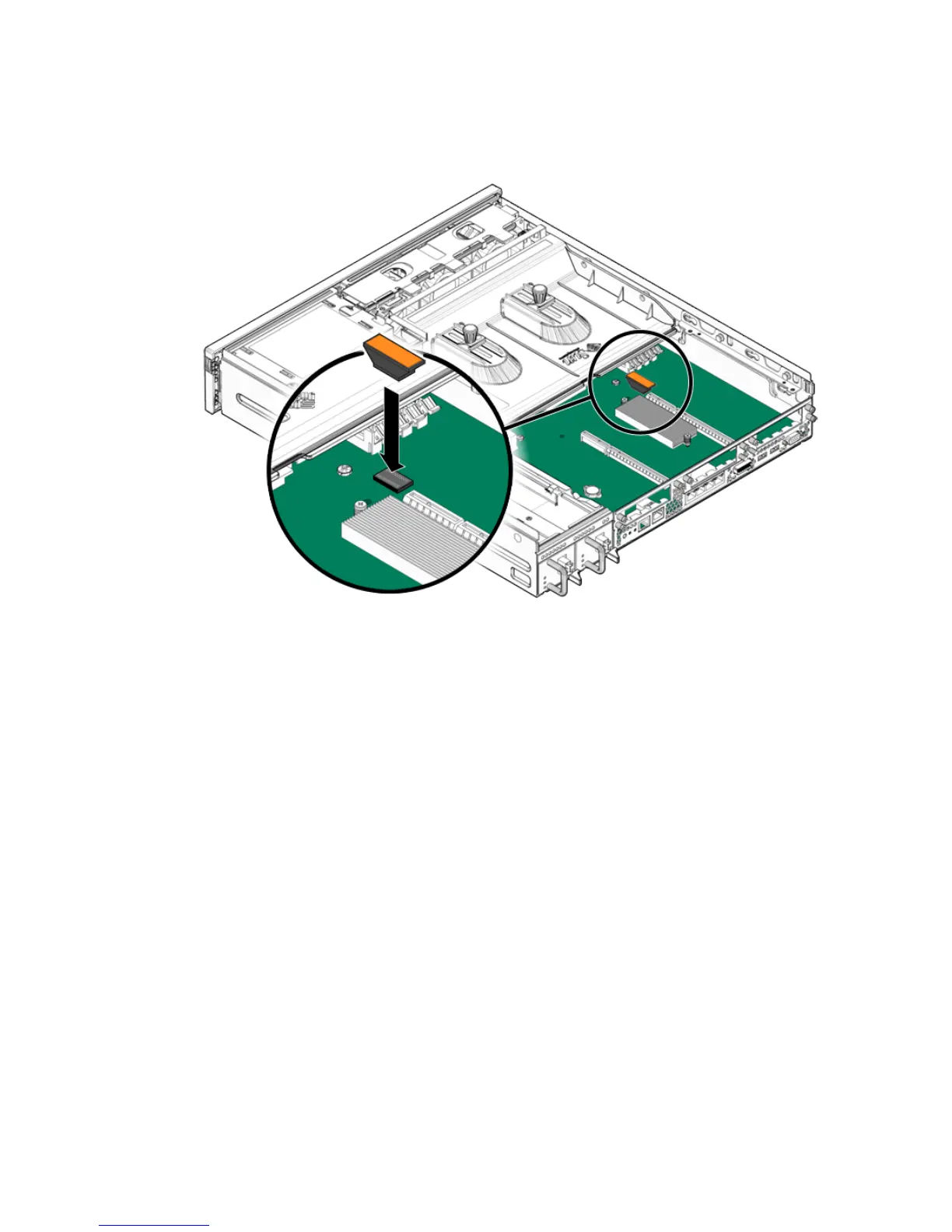
FIGURE 4-20 Pressing the NVRAM Into the Socket
3. Consider your next step:
■ If you installed the NVRAM as part of another procedure, return to that
procedure.
■ Otherwise, bring the server back online. See Section 4.1, “Powering Off and
Powering On the Server” on page 4-1.
4. See Chapter 6 to return the server to operation.













 To Next Page