6-6 Sun Netra T5220 Server Service Manual • January 2012
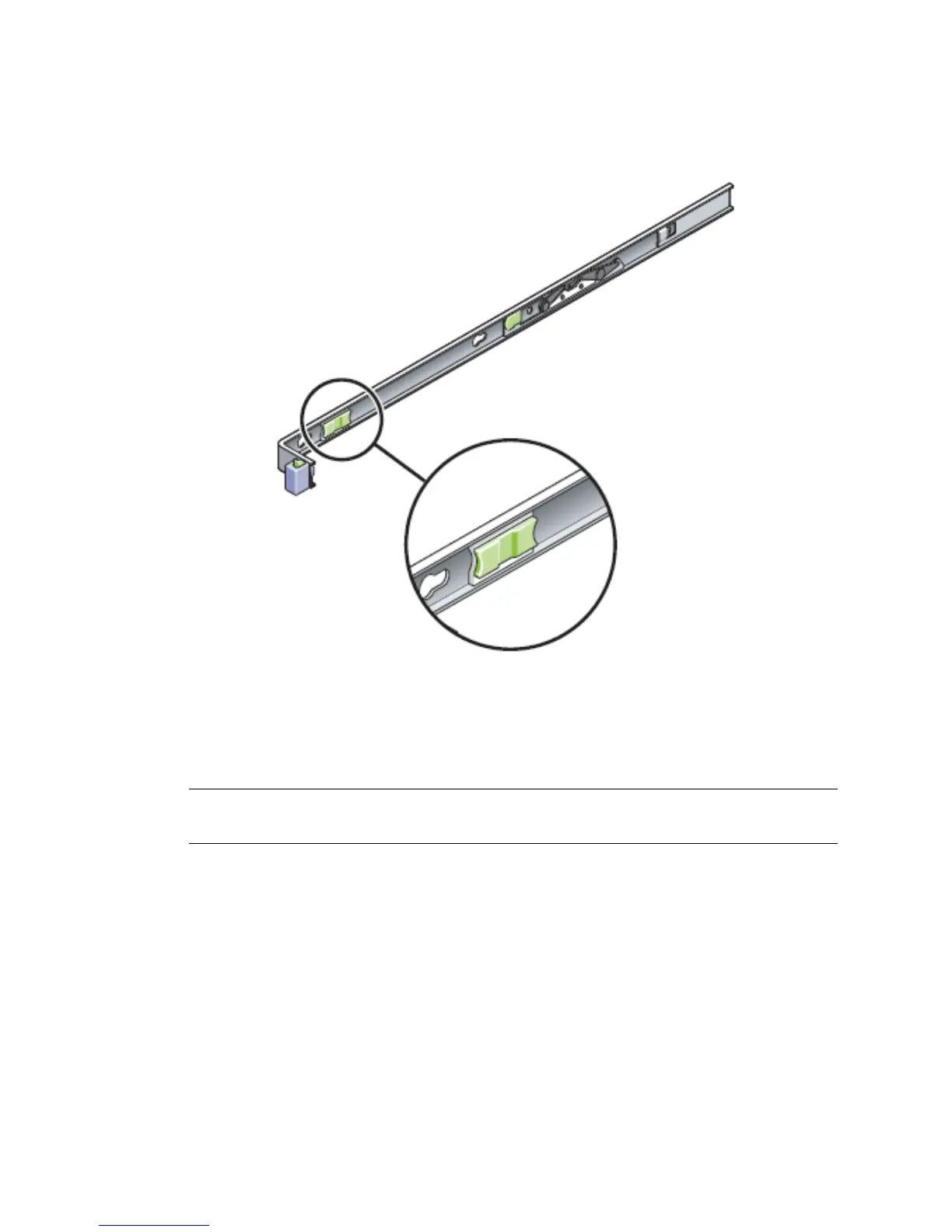
FIGURE 6-5 Release Levers
5. While pushing on the release levers, slowly push the server into the rack.
Ensure that the cables are not in the way.
6. Reconnect the CMA into the back of the rail assembly:
Note – Refer to the server installation guide for detailed CMA installation
instructions.
a. Insert the smaller extension into the clip located at the end of the mounting
bracket (
FIGURE 6-6).













 To Next Page