90 Sun Server X4-2 Service Manual • May 2014
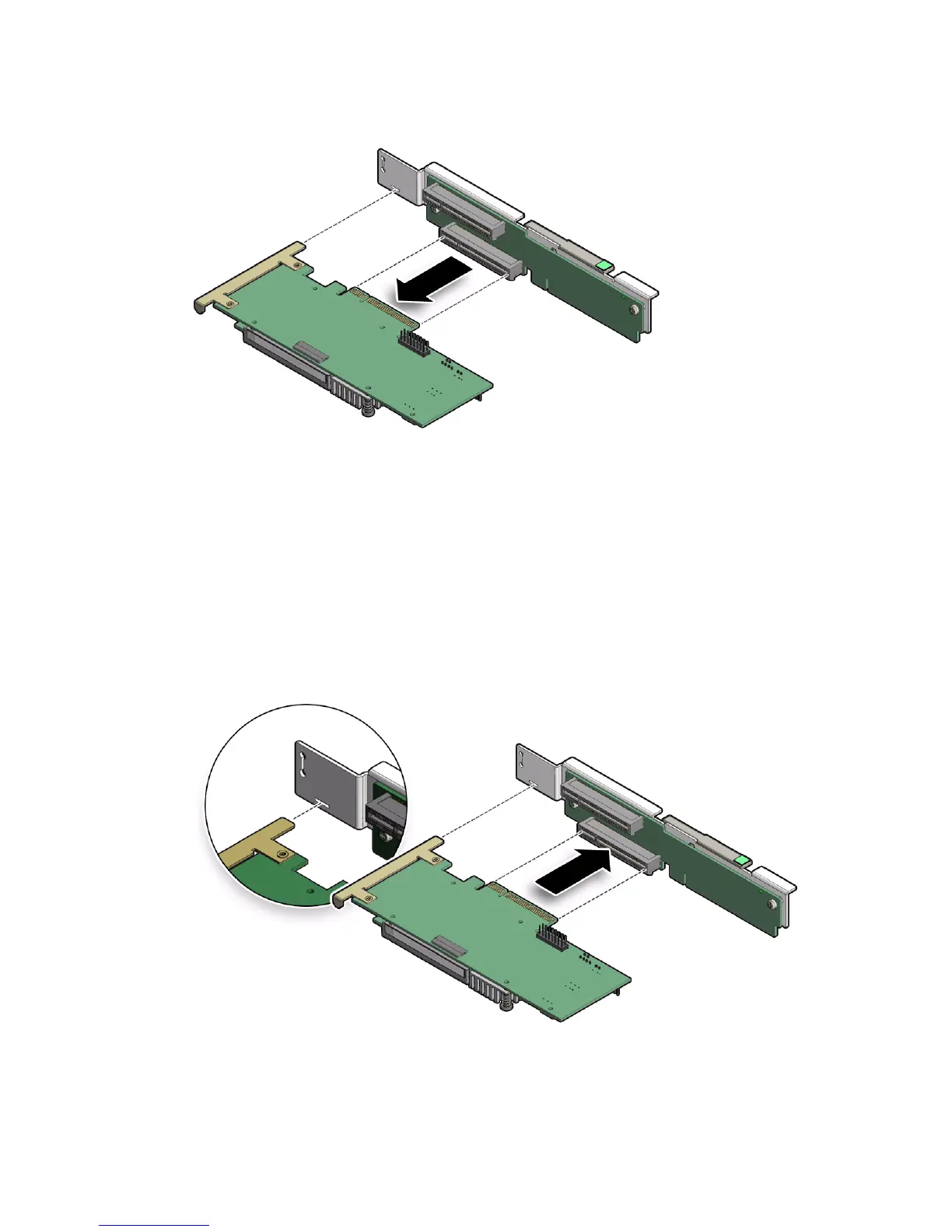
3. Place the PCIe card on an antistatic mat.
▼ Install the Internal HBA Card in PCIe Slot 4
1. Retrieve the host bus adapter (HBA) card and riser you to install.
2. Insert the rear bracket that is attached to the internal HBA card into the rear
connector on the PCIe riser.
3. Insert the internal HBA card connector into the bottom connector on the riser.



 To Next Page