192 Sun Server X4-2 Service Manual • May 2014
5. Select Commit to update the BMC network settings with the latest values.
6. Press F10 to save the changes and exit the BIOS Setup Utility.
Related Information
■ “BIOS Setup Utility Menus” on page 162
■ “Exit BIOS Setup Utility” on page 194
▼ Configure Option ROM Settings
1. Access the BIOS Setup Utility menus.
See “Access BIOS Setup Utility Menus” on page 164.
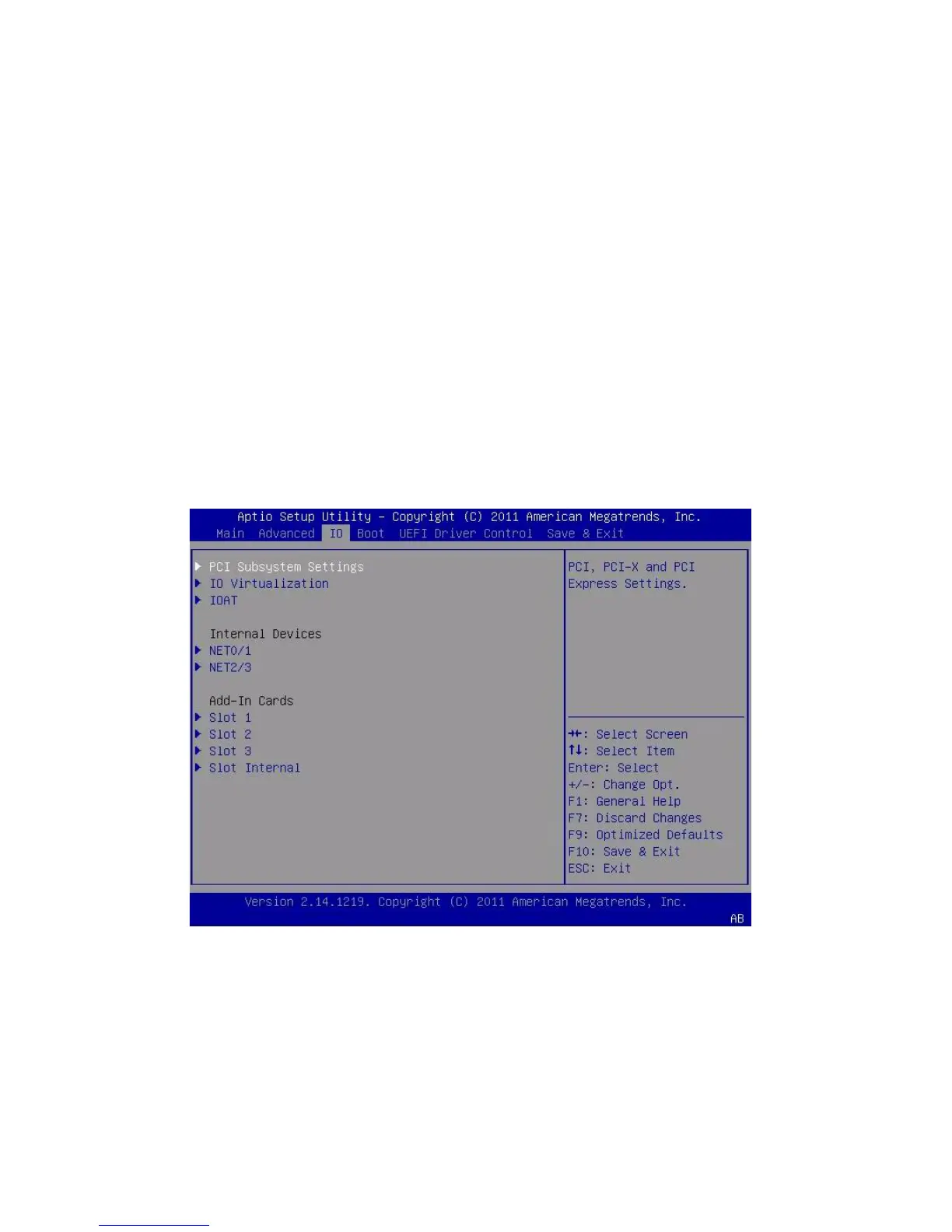
2. In the BIOS Setup Utility menus, navigate to the IO Menu.
The IO Menu screen appears.
3. Select the internal device or add-in card slot for which you want to enable or
disable Option ROM.
The Option ROM screen for that device or add-in card slot appears.



 To Next Page