194 Sun Server X4-2 Service Manual • May 2014
4. Do one of the following:
■ Select Enabled to enable I/O resource allocation for the add-in card.
■ Select Disabled to disable I/O resource allocation for the add-in card.
5. Press F10 to save the changes and exit the BIOS Setup Utility.
Related Information
■ “I/O Resource Allocation” on page 171
■ “Access BIOS Setup Utility Menus” on page 164
■ “BIOS Setup Utility Menus” on page 162
■ “Exit BIOS Setup Utility” on page 194
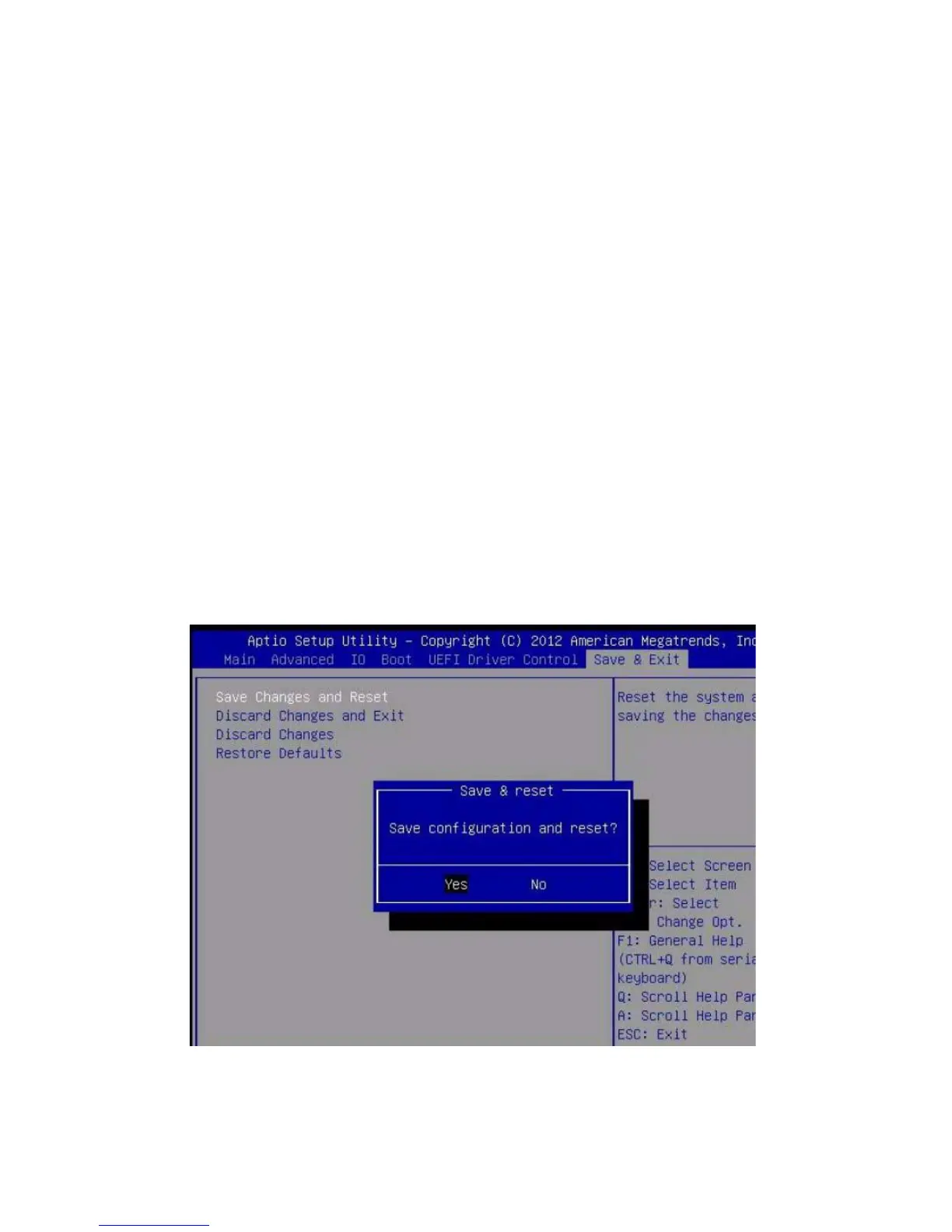
▼ Exit BIOS Setup Utility
1. Use the left and right arrow keys to navigate to the top-level Save & Exit Menu.
2. Use the up and down arrow keys to select the desired action.
3. Press Enter to select the option.
A confirmation dialog box appears.



 To Next Page